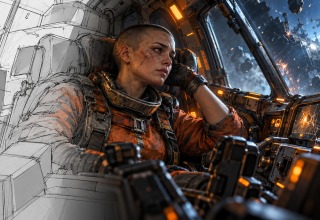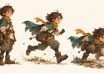
Your character can look great in a static image, yet still not perform convincingly when it moves. Your characters’ feet don’t always grip the ground. Landings are often uneventful. Players spend most of their time moving through the environment, so these subtleties matter.
So, an animation brief should describe both how a character is supposed to behave and how a character is supposed to look. For teams commissioning spine animation, the brief helps align the illustrator, animator and developer. Here are the points to consider before production.
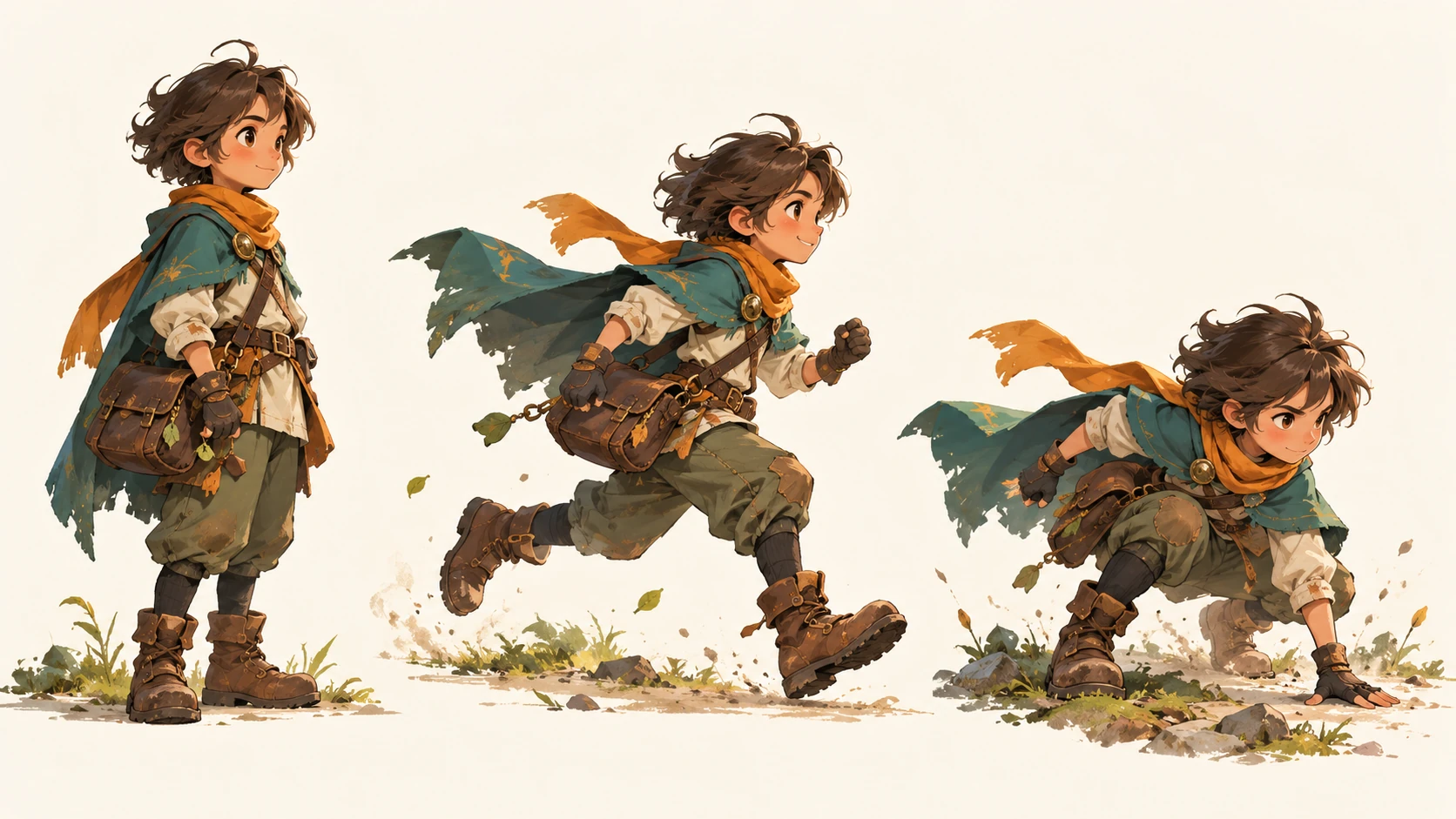
Choose the movements before building the rig
First, decide upon the actions required within your game. Will your courier stand, run, jump, land and stumble? Or will your shopkeeper only talk and gesture? Sketch the primary positions before establishing where the bones will reside. This way, your animator won’t develop a skeleton that cannot support the desired motion.
Spine lets artists attach artwork to bones and use weighted meshes to deform portions of an image. However, it will not design a believable pose for you. Determine if your courier is preparing for impact or getting ready to spring off of something by looking at their silhouette.
Prepare the illustration for movement
Have your illustrator separate parts that require independent movement and paint the areas typically hidden beneath them. If your body art stops at the resting pose, a raised arm can reveal a gap where body and sleeve meet. Your hair, sleeves and satchel all need sufficient overlapping coverage to avoid exposing seams during movement.
Turning a face toward the viewer may work better with a second head view than by stretching the original severely. Make this decision while revisions to the illustration are still simple. A rig should support the illustration, not force every possible pose from one illustration.
Make the action easy to read
Remove effects such as sparks, smoke and camera shake from an attack. Are the preparation, attack and recovery recognizable? If the pose is unclear, adding effects is unlikely to correct it. Try more extreme body angles or clearer separation between the weapon and torso. Then review it at the resolution that players will experience.
Timing deserves attention. A long windup can provide weight, but also affect how rapidly a move appears to react. The animator and combat designer should agree when contact occurs and when control returns. Test these choices with real-time player input, not just a looping preview.
Keep secondary motion under control
A trailing scarf can add personality to a smaller character. So can a backpack that settles after a jump. These details are most effective when they follow the primary action: the body lands, then loose items catch up. When everything moves with equal emphasis, the eye has little direction.
Give idle animations space to remain idle. An idle animation that continuously rocks back and forth can become distracting beside dialogue or a menu. Compare your character against actual backgrounds with visible UI elements. What appears restrained on an empty canvas can fight with text when viewed in an entire scene.
Give an animation partner a usable brief
When writing an outsourced animation brief, ensure it allows another artist to make intelligent decisions without having to guess at what your game entails. Attach approved artwork, reference a short gameplay capture, and include references illustrating how you want the weight and speed of your animations to feel. Some helpful things to discuss beforehand include:
- Required actions, facing orientations and clothing variations.
- Looping clips, one-off animations and acceptable interruptions.
- Engine, Spine editor and runtime versions.
- Target display size and devices.
- Source files, exports, review stages and who approves them.
- Any unresolved movement mechanics.
Test one character inside the engine
Animate one representative character first, with an awkward transition like landing directly into a run. Import it before producing a larger batch. This small trial lets the team find issues with scale, missing artwork or poorly defined handoff instructions while they are still relatively inexpensive to fix.
Also confirm version compatibility. The Spine editor used for export and the runtime must match in major and minor versions; naming the engine alone is not enough. Record the agreed-upon configuration with your project. A smooth video preview shows motion, but importing a functional character into the game shows whether you delivered what was asked.
Check performance in a busy scene
One animated character on a blank background tells you little about performance in a busy encounter. Create a test scene that includes the expected crowd, environment, UI and special effects. Measure performance on target hardware. Skeletal animation still requires processing and rendering resources; plan for a performance budget.
Spine’s Metrics view helps identify contributing factors such as bones, vertex transformations, and total rendered surface area. Use it with engine profiling tools to find the bottleneck before reducing complexity. Review each change visually as well; removing detail everywhere may not address why performance is poor.
Deliver files another artist can maintain
Prior to completing your sign-off on deliverables, open your source project and verify that provided images resolve properly. Ensure that animation names match those in your brief. Verify loops function as described and record any event handling required by developers. Also document export settings so another developer doesn’t have to remember past conversations.
Your last review should again be of the playable character. Are their feet firmly planted on the ground? Was there some indication that your character landed? Could your player recognize an interrupted action? These questions relate your technical handoff to your original conceptual artwork.
Last Updated: October 5, 2026