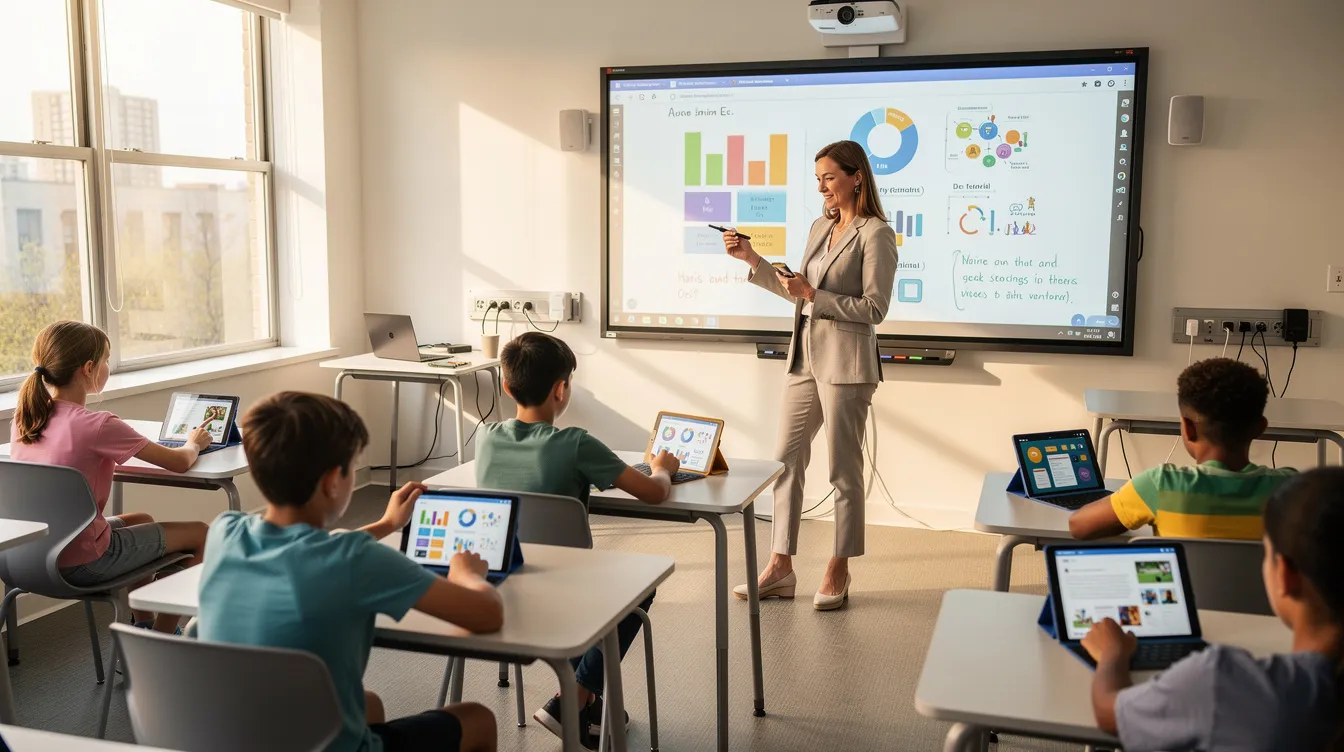
Education software can connect work done in classrooms, school offices, and at home. It brings curriculum materials, student and staff accounts, classroom activities, and learning records into one shared environment. What makes education software valuable is how well each piece works together: teachers want to locate the correct lesson, students want to be able to submit their work and administrators need reports.
From Binders to Digital Libraries: Centralizing Curriculum and Content
Lesson plans, assessments, and textbooks often reside on network drives, within multiple learning management systems, and in binders distributed among teachers. In many cases, finding the most current version of a piece of material has become an additional task. Curriculum mapping software, lesson planning tools, multimedia content, and assessment tools help create a virtual library for all educational materials, providing educators with a common repository for reference.
Authorized personnel may have cloud-based access to the same resources from either their school or home. As a result, students will be able to access and retrieve all required resources related to a specific lesson or assignment if they were absent, instead of having to wait for someone to attach them separately. Departmental or grade-level teachers are now able to collaborate on curriculum development and utilize shared editing capabilities. Versioning also enables them to view and identify which version of each document is currently being utilized by staff members.
The ability to locate materials remotely was especially valuable during pandemic school closures. It continues to help staff and students through remote learning, snow days, and flexible scheduling.
Learning Management Systems provide a platform for managing instructional materials across all these modalities, and education software development done well accounts for this breadth from day one.
Designing Smarter User Management for Administrators, Teachers, Students, and Parents
A superintendent and a student might use the same platform, but they should not have access to the same records or controls. The purpose of role-based permissions is to limit a user’s ability to view sensitive information based upon their assigned role. While this supports the school district’s privacy policy, it does not independently establish FERPA- or COPPA-compliant procedures. Other factors which need to be addressed in establishing compliant procedures for protecting personally identifiable information include how the school district uses data and its agreements with vendors providing educational services and products.
Typical user roles include:
- District leaders set enrollment policies and academic calendars, and review outcome reports.
- Principals manage staff schedules, room assignments, and school analytics.
- Teachers post assignments, track grades and attendance, and communicate with parents.
- Students access coursework, submit assignments, and read feedback.
- Parents see performance summaries and attendance records, with no access to confidential staff data.
When schools implement account management within the software application utilized by teachers, students and staff, they can integrate with identity systems such as Google Workspace or Microsoft Entra. When properly integrated with a set of predetermined rules, once a student enrolls at a school, their account will automatically be created. Conversely, if a student departs from the school district, their account will automatically be deactivated. Account management is a configurable function and should not be assumed to work automatically in every school platform.
Student portals allow students to access coursework, grades, and messages from teachers in a single location. By organizing a portal according to the tasks a student needs to accomplish instead of requiring students to navigate multiple separate applications, staff will be able to devote less time directing students through different systems.
Education Software as a Communication Hub for the Whole School Community
The ability to communicate about school-related issues such as grades, assignments, and upcoming events via one interface (available on a computer or mobile device) creates an opportunity for a parent to potentially be alerted to an early dismissal and see the results of a quiz in the same application (assuming the district supports this type of functionality).
Two-way communication is equally important. This allows a teacher to have a thread of communications with a parent regarding a specific issue, so they don’t have to search multiple email accounts to find where a previous discussion took place.
School districts may want to consider using student surveys, counselor messages or other types of secure messages, all contained within the same system. Maintaining the history of these communications and providing permission-based access to this history will allow school staff to refer back to prior conversations and interventions.
Communication does not stop when students are out of school due to remote learning. The accessibility features of these applications will determine if the intended audience can actually use them; examples include screen readers for visually impaired users, closed captioned videos, and user-friendly menus that make it easy for the user to navigate the application. Providing language choices to parents who speak different languages enables them to select how they would like to receive information.
As EdSurge has reported in a principal’s account of working with multilingual families, translated messages can open conversations. Families still need clear explanations and support from people they trust. Delivering a notification is only part of communicating successfully.
Tracking Learning Progress: From Gradebooks to Learning Analytics
A digital grade book is a way to record how well students are doing. A learning analytics dashboard can show those results alongside attendance, behavior records, and assignment completion. If one grade looks out of place, a teacher has more context for investigating it.
Learning analytics is about measuring, collecting, analyzing, and reporting learner data to improve education. There are many different ways this can be done, including:
- Student: assignment trends, missing work alerts, and mastery by standard.
- Class: grade distribution, engagement, and attendance.
- School: cohort comparisons and resource use.
- District: benchmarks, early warnings, and growth tracking.
For example, a high school tracking ninth-grade algebra progress might notice that some students are missing assignments and receiving poor quiz scores. A counselor could contact those students to work out what support they need. The alert is an invitation to investigate, rather than an explanation of their situation.
If reports are shared broadly, use aggregated or de-identified data where appropriate. Restrict identifiable records to authorized staff who need them. Predictive models also require checks for bias. No student should be represented solely by a score.

Measuring Outcomes and Closing the Feedback Loop
Collecting student grades is merely a first step in using educational technology. Educational technology allows schools to connect assignments, rubrics, attendance, and behavior with the specific academic skills that students need to develop in order to meet their long-term objectives as learners.
Schools may be able to create an “outcome” framework that outlines specific objectives such as college-readiness, literacy milestones at each grade level, or career and technical competencies. School leaders will then be able to provide school board members, accrediting organizations, and state agencies with documentation on how individual class activities and assessments relate to the overall objectives of the school.
For example, consider a district-wide goal of establishing reading and math performance targets for students in grades 3-8. Each week school leaders could generate assessment reports that allow teachers to identify areas where they need to spend additional instructional time with small groups. However, simply generating a report does not constitute sufficient evidence that a teacher has made a significant enough change in their practice that it resulted in better student achievement. A data dashboard alone cannot determine whether changes in instruction were responsible for higher levels of achievement.
Teachers can use the records to explore which approaches are associated with stronger results. Leaders can use the same evidence when planning professional development. Reviewing what happened, making an adjustment, and checking the next set of results gives the data a practical purpose. For broader coverage of technology developments, Mashable offers a technology news section.

Building AI and Personalization into Education Software
The personalization process could start as simply as sorting your educational content into topics or by level of difficulty. Artificial intelligence (AI) can take this further by suggesting content based on a student’s performance history. What it can do depends on the particular system.
The possible ways that AI can assist staff may include providing suggestions for additional reading practice, providing draft feedback on essays for teachers to evaluate, and assisting in scheduling classes according to classroom size and resource availability. Each feature needs a defined purpose and a way for staff to check the results it produces.
Bias in training data can lead to unfair recommendations. If the model is opaque, then it may be difficult for a teacher to understand why a particular assignment was recommended. Human review matters especially when a decision has consequences, such as affecting a grade. Staff also need understandable explanations for recommendations and regular checks of model performance.
SoftDoes describes its education software work as including custom software development, AI expertise, and integration with other systems currently in use within schools. Therefore, if an institution is contemplating using a similar approach, one potential question is how any proposed feature will fit with current tools used by both students and staff. A successful pilot project should demonstrate that it makes a legitimate school-related task easier and provides staff members with sufficient information to determine if the technology is actually making the task easier.
Last Updated: September 28, 2026