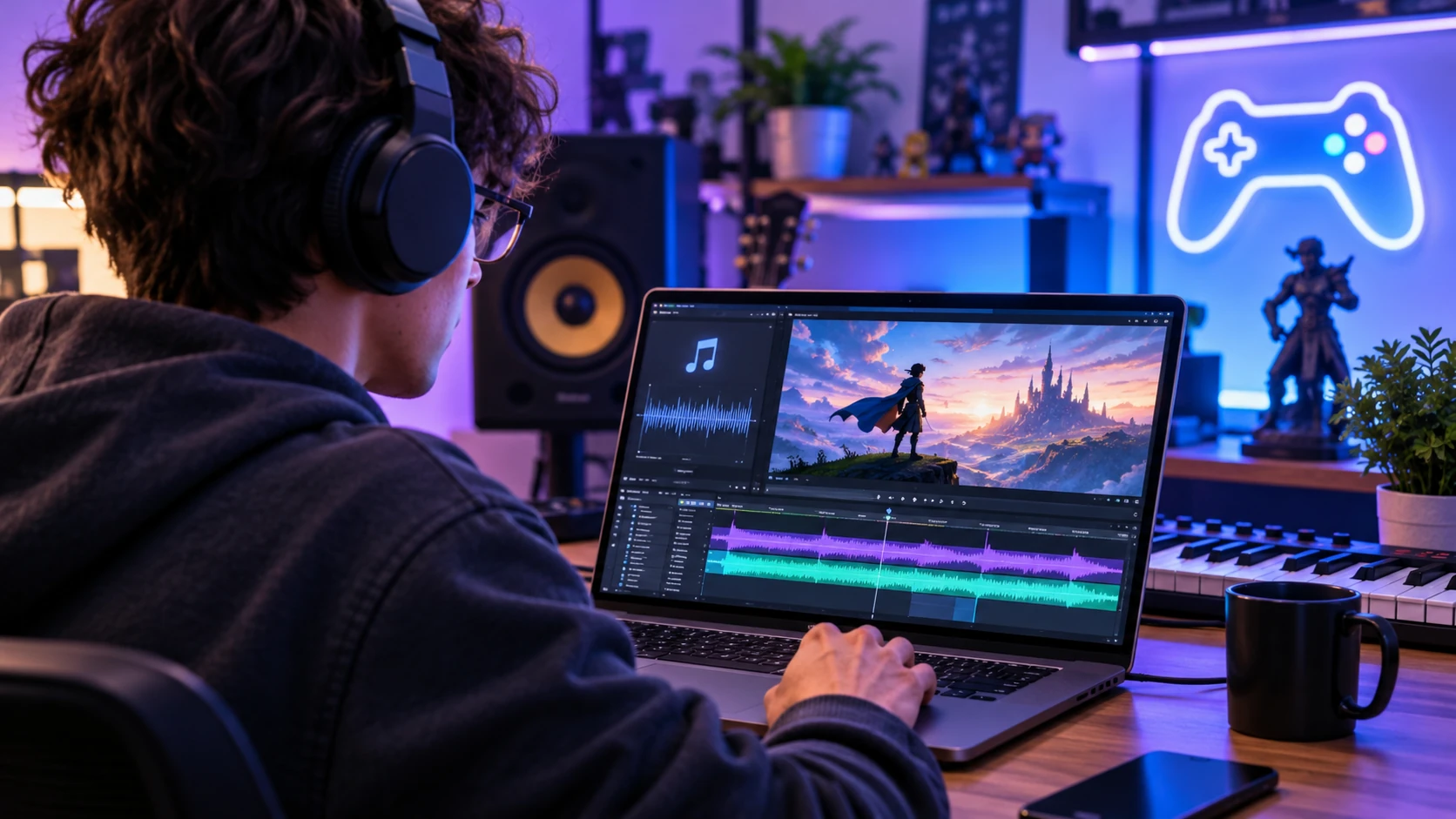
Once a piece of music sounds finished, there is still the question of what to show on screen. You might have recorded a track for a gaming montage, a new single to promote, or a short introduction to a live stream. Whatever the project, you have the music. Finding footage and editing a video can take up the rest of your time.
Artificial intelligence is beginning to change that process. With AI-powered music and video creation tools, independent artists and everyday content creators—who once grappled with the challenge of how to turn my song into a music video— can now experiment with both sound and visuals without needing a professional production team.
Why AI Music Video Generators Are Becoming Popular
An AI music video generator gives you a starting point when you have a song but no footage. Depending upon the generator you are using, you may simply upload your music, enter a reference image, enter an example of a scene, or pick a visual style. These generated clips can then serve as your raw material for the final edit.
This is particularly helpful for individuals working independently. One example of this would be a musician wanting a short teaser for a chorus to post in anticipation of the release of a song. Another example would be a gamer who wanted a couple of seconds of atmospheric background prior to playing his game. In neither situation did either party typically require a camera crew.
Here are a few practical reasons why this method can be useful:
- Less to plan. An illustrated backdrop does not require the locations, lighting equipment, and cameras needed for a live shoot.
- More opportunities to experiment. As long as you are generating a clip based on your music, you can explore different moods, settings, etc. before deciding on which overall vision will suit the entire music video.
- Material for multiple formats. Depending on the generator used, there is often potential for creating a landscape video and/or a separate vertical teaser; provided the generator provides the desired frame sizes.
- First project. Many times, smaller first projects are easier to complete and allow you to test drive how the generator works with your music without requiring an extensive narrative.
Regardless of how you generate an initial clip, there is still work involved. Determining whether the generated images have the correct timing, whether the images match the lyrics and whether the end of the video comes to a close abruptly are decisions that need to be made by reviewing and listening.
From a Simple Idea to an Original Music Video
Start with the music. If you already have a recording, listen for the sections that best introduce the song. This may include your chorus, an instrumental break or a quiet verse. You do not have to start with your opening bars simply because they appear first.
If you are creating the track in addition to producing the music video, consider developing a concise brief for yourself. Developing a fantasy gaming montage may require strings and percussion with a gradual buildup to the “action.” Developing a travel video may demand softer instrumentation allowing for greater emphasis on location sound. Typically, introducing a stream requires establishing a mood in a shorter amount of time.
Sites like InsMelo allow users to develop musical compositions from ideas or lyrics. Once you receive the results of your musical concept, consider treating the first output as an opportunity to listen carefully. Is the vocal line coherent? Does the ending feel resolved? Correcting an awkward section now will prevent you from building a video that relies heavily upon it.
Next, try to describe your visual idea in one sentence. For that fantasy gaming montage, it may be “a solitary traveler approaches a castle at dusk,” providing you with a subject, setting and direction for motion. You can continue to elaborate throughout your development.
Turning Songs Into Videos With AI
After completing your soundtrack, select which segment you wish to use and find an image that corresponds to that segment. InsMelo outlines a workflow involving user-uploaded music and images, as well as user-defined prompts to assist in defining the generated imagery.
Review the maximum length allowed by the tool before planning your project. InsMelo’s music video page currently lists clips of 10 to 50 seconds. Check the available duration before planning a full-song video; a short promotional clip is a more manageable first project.
Keep your first prompt concise. Define your subject, define your setting and define your desired motion for each shot. While two segments may exist within the same fictional world (i.e., a slow-motion approach towards a castle and a frenetic battle), they will likely differ greatly in terms of pacing.
Evaluate your generated clips against your selected audio segment. While a clip may seem visually attractive on its own, it may potentially move too quickly for the passage you elected to focus on. You may need to trim your generated clips, generate additional versions or maintain a simpler image for extended periods. Provide ample time for reviewing and evaluating these options.
When using multiple shots, check which elements need to carry across them. Will clothing items remain consistent? Will buildings maintain similar shapes? Will characters move consistently? All of these factors can influence whether your sequence appears cohesive or disjointed.
Practical Uses Beyond Traditional Music Videos
Creating music-driven visuals does not necessitate releasing an album. Smaller-scale projects can be completed relatively quickly and provide insight into how AI generators can enhance your creative endeavors.
- Video Games and Streaming: An artist may produce a track specifically designed around an established theme and use that theme as the background for their video while welcoming fans during breaks in their streams.
- Social Media: Providing a quick preview of an upcoming song via an animated visualizer allows listeners to experience what the song sounds like prior to listening to it entirely.
- Promoting Independent Music Releases: Using an animated visualizer allows an artist more flexibility in promoting their releases while continuing to develop their next video.
- Personal Projects: Artists may desire to develop videos featuring their original tracks created for birthdays, travel excursions or other themes that were developed exclusively for those events and use source material they have permission to upload.
Consider what type of format you wish to use for your intended purpose. A landscape view may lose its subject when cropped vertically. Check the framing on your phone before generating more clips in the same style.
What Creators Should Consider Before Using AI
Think about how the images fit the song before adding more effects. Quiet passages within an acoustic performance may allow time for each shot to “breathe” while faster-paced electronic choruses can benefit from cutting images more frequently. The pacing can change as the song develops.
Adobe’s guide to Beat Detection in Premiere on iPhone helps artists understand how to identify markers indicating beats on their timelines and sync clips accordingly; thereby assisting artists in determining where possible cuts should occur. Review your decision regarding where to implement cuts by listening back to your edited video.
Verify copyright restrictions prior to uploading any source material or publishing your generated video. The creator must have rights to use both the music and images they provide; and terms governing usage of AI-generated videos will vary between platforms depending upon whether you are using them personally or commercially. Do not assume acquiring access to a generator resolves this issue.
Additionally, publishers have their own criteria related to how they prefer their content presented. YouTube’s guidelines on AI-generated content address AI-generated music as one example of content that creators must publicly disclose. YouTube also distinguishes realistic synthetic scenes from clearly fantastical animation. Check how its requirements apply to your finished video before uploading.
Finishing a Video That Fits the Song
Prior to exporting your final product, play your entire edit with headphones. Identify areas where cuts do not land naturally, where transitions between shots are jarring or where your video ends prior to feeling complete. Next, evaluate your final product on a mobile device. Ensure titles are legible at this size.
If you are still choosing a workflow, CriticalHit’s guide to AI music video generator tools compares several approaches to pairing music with generated footage. Decide whether you need a teaser, a visualizer, or individual shots for a longer edit before comparing the features.
Finish a small project first. That gives you something to watch and adjust, and a better idea of what you need for a longer video.
Last Updated: November 11, 2026