If at any time you’ve attempted to convert eight hours of unedited gameplay footage into a sharp three-minute highlight clip just before midnight with a planned upload, then you’ll understand that the actual limitation in the process of creating content isn’t the recording itself but all the steps that come after it. This includes selecting the best moments, matching them to a beat, cutting out the dead space, and adding captions that truly match the tone of your stream. For individual streamers and small groups of content creators, the time spent editing is greater than the time spent playing the footage.
That is the gap which AI-driven editing tools are now finally beginning to bridge, and it’s important to understand exactly what has changed before you dismiss it as yet another wildly overhyped gimmick.
Why Gaming Creators Are Rethinking Their Editing Workflow
Traditional editing software hasn’t become much easier to use—it has simply become more powerful, which generally involves adding more panels, more keyboard shortcuts, and thus a greater learning curve for anyone who doesn’t edit full-time. At the same time, the frequency with which people are expected to upload videos to YouTube, TikTok, and Twitch has not decreased in the slightest. Eventually, something had to give, and for an increasing number of content creators, that thing is the tedious process of manually selecting scenes and making rough cuts.
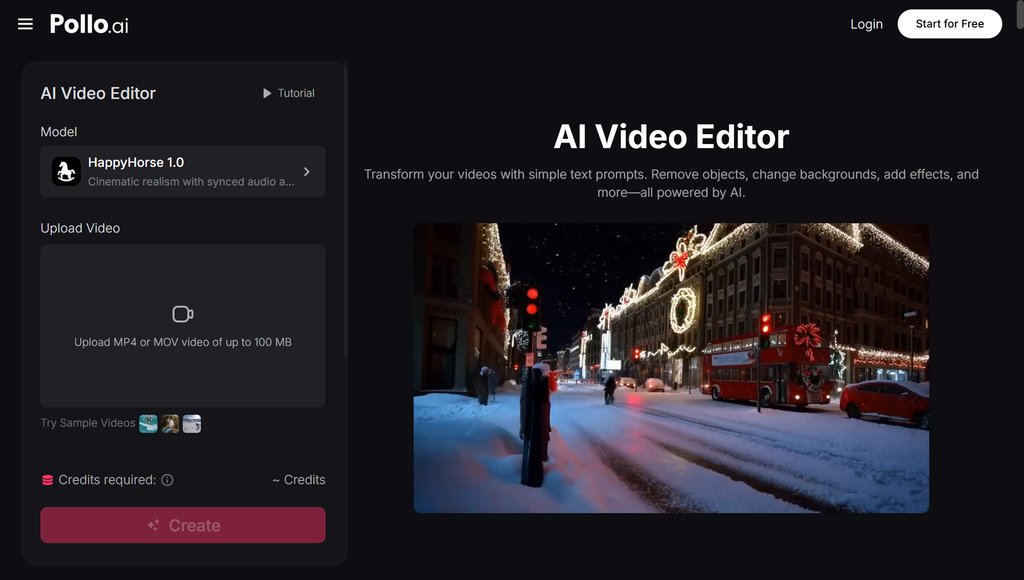
It is here that the AI video editor built into Pollo AI establishes itself as a useful tool for content creators. Rather than having to manually go through the entire video on demand to look for a memorable clutch play or the funniest chat reaction, you can give Pollo AI the raw footage, a script, or even just a rough idea and have it return a structured initial cut—one that has been trimmed and sequenced and is ready for further refinement. The tool doesn’t take over your editing judgment, but it gets rid of the tedious first pass which used to take up an entire evening.
What This Actually Looks Like for a Gaming Channel
The practical use cases stack up quickly once you start thinking through a normal content week:
From long streams, highlight reels can be created. Rather than watching a four-hour VOD all the way through, you can use the tool by aiming it at your video footage so that it identifies the parts worth keeping and then puts these together to form a preliminary highlight clip.
For TikTok and Shorts, a single video stream can be cut up into a dozen vertical clips, each one formatted and timed to suit the platforms on which the first two seconds determine whether a viewer will stay watching.
Edits in the style of trailers for game reviews; if your channel features new releases, a quick and cinematic cut put together using your own gameplay footage can take the place of hours of manually syncing music to the action beats.
Prepare the content for the week of a release. Whenever a popular title is launched, those creators who are able to produce several edited videos within the same week—such as a first-impressions video, a boss-fight compilation, and a funny-moments reel—usually end up getting more of the search and algorithm traffic than the ones who are still working on a single video three days later.
This doesn’t mean that you should give up on your editing software altogether. Instead, most creators use the AI-generated cut as a good starting point and then import it into their normal editor to carry out the final polishing, sound design, and add the personal touches that give a channel its individual character.
Polishing Thumbnails Without Opening a Separate App
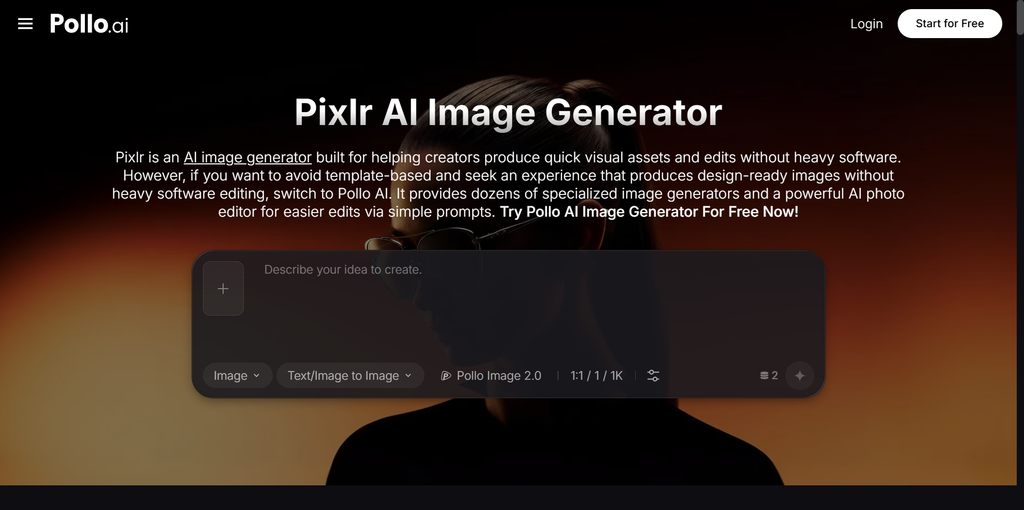
The success or failure of a major edit always comes down to its thumbnail, and this is something that many creators either do too quickly or completely outsource since it involves changing tools, exporting a frame, and then having to use a different image editor just to get the contrast and text correct. By incorporating Pixlr AI—an image generation and editing tool that is built into the platform—the Pollo AI system integrates this step into the same workflow.
Once you’ve pulled a key frame from the clip that you’ve edited, you can use Pixlr AI to increase the contrast, remove background clutter, or produce alternative thumbnail ideas so that they can be A/B tested—all without having to leave Pollo AI or re-upload the files between different applications. For a creator who has three uploads each week, the time saved in this way accumulates quickly, and as a result the thumbnail is actually able to get the attention it deserves rather than being a last-minute afterthought made at 1 a.m.
A Realistic Workflow for Weekly Uploads
Proceed as you normally do. Don’t alter the way in which you record the gameplay, the commentary, or the reaction footage.
Make a preliminary version by putting the unedited footage into Pollo AI and then having it create an initial structured edit according to your objective—whether it’s a highlight reel, short-form clips, or a full episode.
Edit it using your preferred editor and import the clip into your standard software for sound design, transitions, and adding personal branding elements.
Create and refine the thumbnail by selecting a frame, using it in Pixlr AI, and then testing a few different variations before publishing.
It reduces the gap between saying “I have footage” and “this is live,” which is all that creators aiming to maintain a regular upload schedule without burning out have to deal with.
Where This Leaves Gaming Creators Going Forward
A person won’t use AI editing tools to write your jokes, choose your commentary style, or determine what makes your channel worth subscribing to since all of that remains your responsibility. What the tools are good at instead is squeezing out the mechanical and repetitive aspects of the process—such as scrubbing, carrying out the initial sequence, and producing the first draft of the thumbnail. Given that a content creator has to deal with recording, editing, community management, and all the other things involved in running a channel, regaining that kind of time is a real benefit, not just a newfangled feature.
When the amount of editing you have to do exceeds what your upload schedule can handle, it’s worthwhile using up an afternoon testing a workflow that makes use of Pollo AI instead of keeping on editing the footage by hand. The creators who manage to incorporate AI editing into their process early on will end up publishing regularly while all the others are still struggling with their timelines.
Last Updated: August 28, 2026