
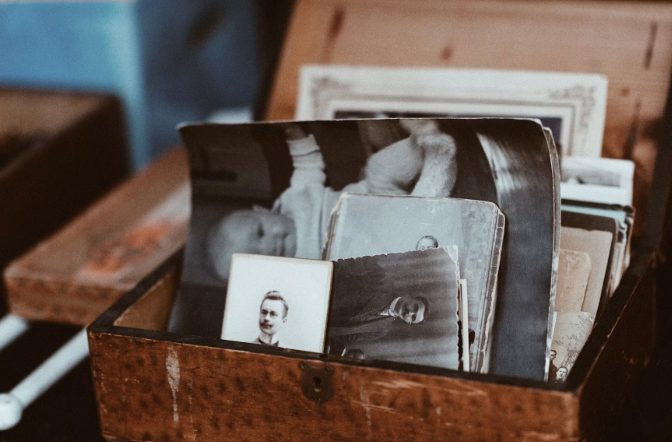
Physical photos have the ability to save specific moments in time. However, they decay. There are a lot of things that could cause damage to a family’s history, such as scratches, sun damage, water spots, and fraying of the edge. Fortunately, with the use of modern technology, restoring damaged family photos has never been simpler. Many smart algorithms currently available will be able to repair damaged pixels automatically. This means there is no longer a need for you to spend hours working inside a traditional graphic application.
There are many different ways to choose what type of restoration service is going to work best for you. These would include the amount of control you would like to have in terms of being able to edit manually vs. having automation do all of the work for you. With this in mind, in this article we will review five of the most commonly used tools and compare them to each other based upon their ability to provide the perfect combination of quality output, speed, and precision when it comes to restoring old family photos.
Assessing popular restoration tools
To assess whether or not an old photo restoration software is performing properly, there are three main criteria. They include:
- Defects and cleaning up defects: whether or not an algorithm can accurately remove rips, wrinkles, and dirt spots from a photo while not distorting any small image details.
- Color correcting and colorizing: the extent to which an algorithm can realistically add color to a black-and-white photograph and/or correct extreme fading.
- Usability: a clean user interface design where novice photographers can achieve fast one-click repairs and experienced photographers can gain access to various advanced manual editing tools.
1. PhotoGlory
PhotoGlory was created with the sole purpose of correcting damaged family photographs and black-and-white photographs. Therefore, unlike many other photo restoration programs that are filled with unnecessary design elements intended to confuse novice photographers and slow down the repair workflow, PhotoGlory is very focused and provides only what is required by novice photographers seeking to quickly restore aged family photos.
If you are looking for an easy-to-use photo restoration program that includes both automated scratch correction and natural colorization (to give you a head start on completing photo restoration jobs), then PhotoGlory is a good option. PhotoGlory automatically detects torn edges; cleans surface imperfections such as spots and streaks; restores tone imbalances caused by age and/or environmental factors; and allows you to update damaged photo albums in just minutes.
Key features:
- Automated detection of creases, stains, scratches; automatic removal; and colorization of scratched or stained areas.
- Automatic colorization of monochrome photography.
- Clone, patch & healing brushes for precise restoration of severely damaged areas.
- Integrated enhancement options – sharpen, grain control & exposure.
Pros:
- Suitable for novices due to zero learning curve.
- Focused solely on photo restoration – simplifies the complete repair workflow.
- Provides highly accurate and natural-appearing auto-colorization results.
Cons:
- Does not contain complex layer masking tools found in commercial design suites.
2. Corel Paint Shop Pro
Corel Paint Shop Pro is a long-standing desktop suite that incorporates traditional pixel-level editing techniques with today’s advanced algorithms. Corel Paint Shop Pro is an excellent option for photographers that desire absolute control over each phase of their workflow.
In addition to providing a variety of tools to repair defects in aged prints/photographs, Corel Paint Shop Pro contains numerous detail-enhancing tools to restore clarity to dark/washed-out prints.
Key features:
- Specialized defect repair tools; precision retouching brushes.
- Image enhancements & noise reduction for low resolution scans.
- Support for non-destructive editing through adjustment layers.
Pros:
- Offers one-time purchase license with extensive professional toolset.
- Blends powerful manual controls with advanced algorithmic capabilities.
Cons:
- Busy workspace layout may overwhelm new users.
- Often requires tweaks after applying automated fixes to achieve desirable results.
3. Luminar Neo
Although Luminar Neo is primarily designed for general photo editing purposes, its intelligent enhancement tools also apply well to photo restoration. Luminar Neo can easily recover depth, contrast, and proper lighting in washed-out historical photographs.
After primary surface marks are repaired, Luminar Neo’s generative fill capabilities can also help rebuild missing paper borders/torn margins.
Key features:
- Generative AI fills to rebuild missing corners/edges on photos.
- Smart lighting and contrast adjustments to restore washed-out black-and-white prints.
- Plugin integration – works seamlessly with other photo editors.
Pros:
- Delivers modern contrast/lighting output.
- Makes simple work of using generative tools to replace missing border areas.
Cons:
- Demands a recent/highly-capable graphics processing unit (GPU) to run smoothly.
- No dedicated one-click historical colorization feature.
4. AKVIS Retoucher
AKVIS Retoucher is a high-specification fix-it program specifically engineered for surface recovery and texture reconstruction. Available as either a standalone application or a plug-in for major graphic suites, AKVIS Retoucher specializes in restoring heavy tears/damage; deep surface scratches; and large gaps in the paper of old photos.
Rather than applying basic filters, the program uses adjacent pixel patterns to clone missing sections and prevent ugly visual seams.
Key features:
- Pattern-based filling of severely damaged/ripped images; lost paper corners/fragments.
- Smart brush selection tool for identifying damaged zones during batch runs.
- Direct integration into leading photo organizers as plug-ins.
Pros:
- Outstanding performance on heavy damage/paper loss (e.g., ink spots; tears).
- Batch processing modes allow processing entire albums simultaneously.
Cons:
- User interface appears dated.
- Additional modules required for colorization.
5. ACDSee Photo Studio Ultimate
ACDSee Photo Studio Ultimate combines parametric editing techniques with deep file organization. If you plan to digitally capture thousands of slides/prints, ACDSee Photo Studio Ultimate supplies all necessary tools needed to organize/tag/repair massive collections of photos simultaneously.
A repair panel containing erase/healing brushes enables rapid touch-ups of surface imperfections on old print photos while proprietary Light EQ technology allows adjustment of exposure values to rescue weak details in darkened film scans.
Key features:
- Exposure/contrast corrections for rescuing dim/washed-out slide scans.
- Smart retouching brushes for quick removal of defects.
- Advanced DAM (digital asset management) functions for managing large scanned archives.
Pros:
- Strong organization functionality for handling very large scanning projects.
- Processes high-resolution images without issue.
Cons:
- Requires subscription model/higher price tag for single license fee.
- Steeper learning curve due to wide array of functionality offered.
Final Verdict
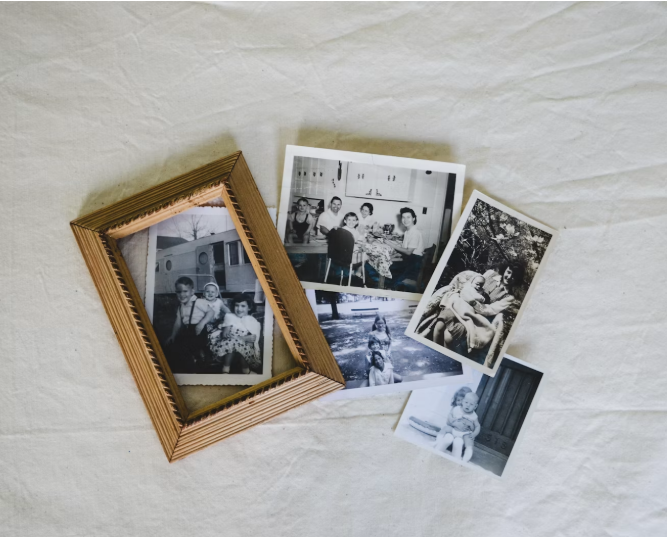
There are several factors that determine which method will work best for restoring your photos for the 2026 archives (the amount of restoration needed and your skill level) :
Want fast, easy edits? Use PhotoGlory to fix minor flaws like scratches or add color to B/W images without having to learn how to use it.
Do you have very damaged photos? AKVIS Retoucher can repair tears, holes and large surface damage.
Are you going through a large collection of family photos? With ACDSee Photo Studio Ultimate you’ll be able to easily manage and edit large collections all at once.
Last Updated: August 31, 2026