
Trading sites for Counter Strike 2 (CS2) operate using two primary methods — Instant Bot Swaps and Player to Player (P2P) Listings. These two options influence the asset you exchange for, the amount of money you receive and possibly how long you will have to wait for the transaction to complete.
You pull up your inventory in CS2 and see a skin you haven’t used in months. The skin sits idle or you can trade it for a new skin you plan to use. Once you’ve decided you’re going to trade the item, deciding how to trade is the next logical choice.
A CS2 trading site functions in either a direct bot trade or a P2P marketplace. In general, bot trades allow users to instantly trade an item for an item located in the bot’s inventory. In many cases, a user receives the item they requested in minutes.
In contrast, a P2P Marketplace lists an item with other users. Users then browse through available items and select an item based upon the price listed. In both instances, the ultimate goal is the same – to move an item from one user to another. However, both types of transactions place a different value on your time.
How a Bot Trade Actually Works
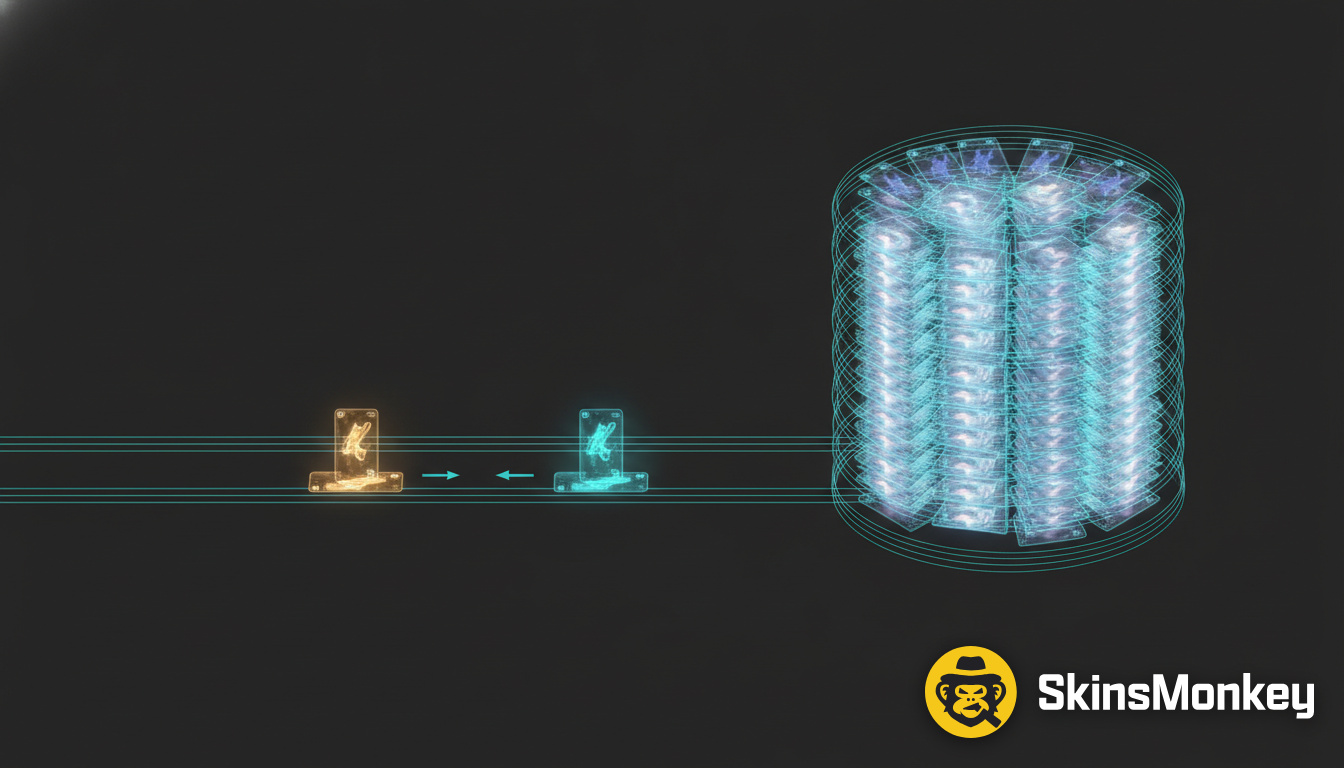
As previously mentioned, most bots carry their own inventory of skins. When a user accepts an offer from a bot, he/she is trading with that inventory instead of having to wait for another user to show interest.
Removing One Unpredictable Element
One of the major benefits of trading with a bot is removing one unpredictable element. There is no additional player involved who can ignore your listing, change their mind or refuse to pay the price you’ve listed. Before accepting an offer, the site will inform you of the exact item(s) that will be traded for your item. You can either accept the offer and trade for the offered item or reject the offer and try again.
However, even though the final quote is not random, it does reflect several elements including the condition of the item, probable demand and the site’s profit margin. In general, traders refer to the last factor as “the spread.” The spread represents the difference between the price a site offers for an item and what they expect to charge for that item at some future date. The site incurs all costs associated with carrying the inventory and therefore includes this expense into the final quoted price.
However, the benefit of purchasing the certainty of receiving an immediate trade is often worth the additional cost included in the spread. On platforms built this way, the replacement item can land in your inventory in under two minutes. As such, SkinsMonkey utilizes this model for CS2, Rust and TF2 items.
Be Cautious of Deposit Bonuses
While deposit bonuses are always attractive, a closer examination reveals that they are not free money. Instead, a deposit bonus simply provides users with additional funds they can utilize to purchase items from that particular trading site. Therefore, when viewing a deposit bonus advertised as “up to 35%” treat the headline as just another way of saying “you now have access to more buying power” and review all conditions related to that bonus. A good example of comparing prices would be to compare pricing for the same item on two different bot sites and determine whether you received a better skin or larger balance based upon those two sites’ quotes.
How Does P2P Work?
This is essentially the “patient” route when compared to bot trading. While bot trading typically offers instantaneous results, the P2P model relies on finding someone interested in purchasing your item at the price you have listed. Since there are fewer variables involved in a bot trade (i.e., no additional player), waiting for a suitable buyer can result in higher returns due to lower spreads. The drawback is obviously waiting for someone to agree on your price.
Demand plays a significant role in determining how fast your item sells. For example, if you are listing a rare or highly sought-after finish, such as an AK-47 or AWP, you can expect to draw immediate interest. Conversely, if your item is unique (e.g., an unusual float) or is related to a specific niche (e.g., a skin from a limited edition collection), it could potentially remain listed for days. This may not be problematic if you did not intend to trade it immediately; however, it can impact your ability to use the item during gameplay. Once you create a listing, you are unable to use the item until you cancel that listing. Furthermore, once you reduce your asking price multiple times, you may end up very close to offering it for sale via a bot trade at the original price.
Typically, P2P platforms charge fees as well. “No Middle Man” does not automatically translate into “no fee”, therefore make sure you understand how much each platform charges prior to assuming that utilizing a slower platform will save you money. Platforms utilized for searching for buyers at your specified price range are essentially conducting searches.
Steam Market is Not Cash-Out
Another alternative is Steam Market. Steam Market takes approximately 15% from every CS2 sale made through its website and credits the seller with Steam Wallet funds. Funds obtained through Steam Market are tied within Steam.
Although most people reference the fee charged by Steam as approximately 5% and CS2 as 10%, what is far more relevant than these numbers is what ends up in your account — store credit or actual currency capable of being withdrawn to a bank.
Translation: Selling an item through Steam Market essentially converts that item into Steam dollars capable of being used towards purchases on Steam. If you intended on making purchases on Steam anyway, this method fits perfectly into your existing plans. Additionally, since all transactions occur entirely within Valve’s systems, potential issues with transactions occurring between parties are eliminated.
On the other hand, if you wish to transfer funds from Steam outside of Steam, this is clearly not the correct entry point. Unfortunately, waiting longer will not convert Steam Wallet funds into actual cash.
Trade Locks Shape Your Calendar Either Way
Items bought through the Steam Community Market are subject to a seven-day trade lock. During this timeframe, the skin cannot be traded or sold on any bot site or P2P marketplace.
A locked skin can appear like any other normal skin in your inventory. You can certainly equip it and play with it; however, until the trade lock expires (seven days from date of purchase), you cannot move the skin from one location to another. Due to this fact alone, many new sellers fail to recognize that their skin has been placed under a trade lock until they attempt to initiate a new trade.
Regardless of whether you elect to utilize bot trading or a P2P marketplace, trade locks establish your timeline before the venue does. The seven-day countdown begins on date of purchase for said item; it does not begin on date of recognition by the seller.
Perform Only Two Checks Prior to Initiating Any Trade
To avoid many frustrations, perform only two checks prior to initiating any trade:
- Check whether or not your item has been placed under a trade lock.
- Set up Steam’s Mobile Authenticator before completing your first trade. Certain security settings associated with your account can greatly hinder your ability to process trades successfully.
Determine Which Trading Model Best Fits Your Swap Needs
Bot trading is ideal when speed and knowing what you’ll receive for your trade matter more than trying to obtain every penny possible out of your trade. P2P listings work best when your item has sufficient demand and you can afford to wait for a buyer who agrees with your price.
Ask yourself which type of loss bothers you more — time or lost revenue? If losing time bothers you more and you require completion of your trade by tonight, utilizing an instant bot quote may be worthwhile despite paying slightly more than what you would have received had you waited longer and utilized a P2P listing. Conversely, if obtaining better value is what bothers you most and your desired CS2 skin has sufficient demand whereby others will buy it at your listed price without requiring negotiations over price; utilizing P2P listings may prove beneficial for maximizing value received per dollar spent.
Since proceeds from any sale will likely be returned directly into Steam regardless, the 15% taken by Steam Market becomes merely the cost of doing business within their ecosystem. At this juncture, cashing out from CS2 is removed from consideration.
You do not need to commit exclusively to only one method of trading for your entire inventory. Common items may be traded quickly via bot exchanges where minimal amounts of money will be lost via spreads. Reserve P2P listings for those few unique skins whose potential increased value merits waiting longer for them.
Regardless of which method you decide upon, conduct one initial trade utilizing inexpensive items. Completing one low-cost trade from beginning to end demonstrates how effectively various platforms handle trades before putting any expensive assets at risk.
Last Updated: September 4, 2026