
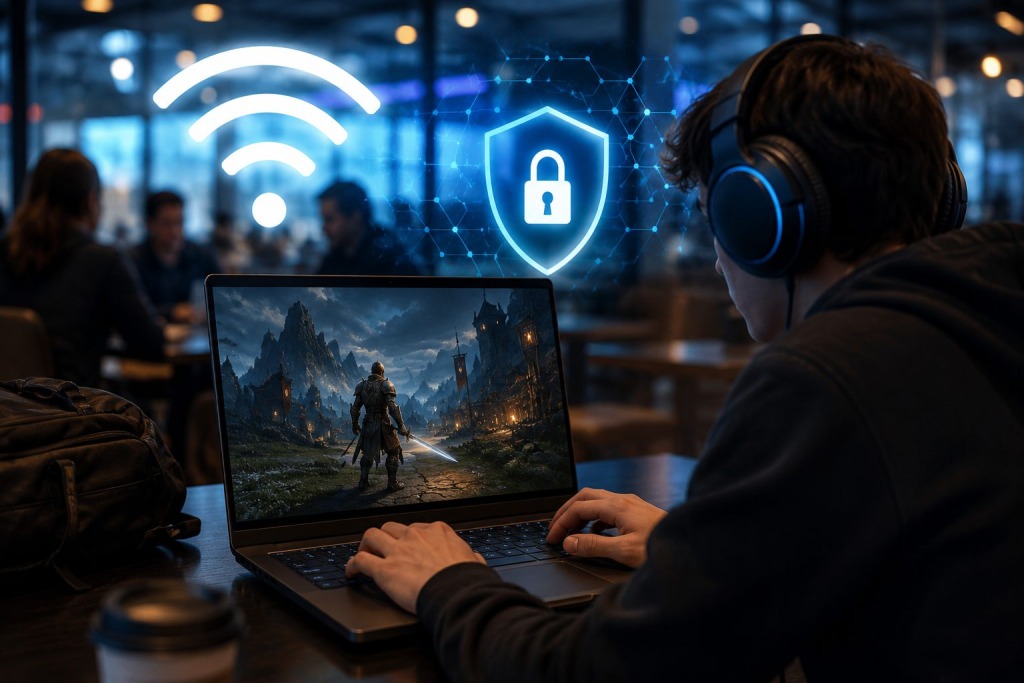
Gaming on public WiFi can be safe if you combine secure network habits, strong account protection, and encrypted connections. The biggest risks come from unsecured networks, fake hotspots, and stolen login credentials rather than the games themselves.
Table of Contents
- Why is public WiFi risky for gamers?
- How can you secure your gaming sessions on public WiFi?
- What additional security measures should gamers use?
- What mistakes put gaming accounts at risk?
- What are the best practices for gaming on public networks?
Why is public WiFi risky for gamers?
Public WiFi networks are designed for convenience, not security. Airports, hotels, coffee shops, libraries, universities, and convention centers often provide free internet access to large numbers of users. While these networks make it easy to stay connected, they also create opportunities for cybercriminals.
Many public networks use little or no encryption. This means attackers on the same network may attempt to intercept traffic, monitor activity, or trick users into connecting to malicious hotspots that imitate legitimate networks. A fake hotspot with a name similar to a hotel or café network can fool users into connecting without realizing the danger.
Gamers face additional risks because modern gaming accounts often contain valuable assets. Digital game libraries, premium subscriptions, in-game currencies, skins, and linked payment methods can make gaming accounts attractive targets. A compromised account can result in financial losses, stolen virtual items, or even permanent account restrictions if malicious activity occurs after a breach.
The rise of cloud gaming and cross-platform gaming has also increased the amount of personal information transmitted online. Protecting that information is becoming just as important as protecting the device itself.
How can you secure your gaming sessions on public WiFi?
The safest approach is to treat every public network as potentially untrusted. A few simple precautions can dramatically reduce risk.
1. Verify the network before connecting
Always confirm the exact network name with staff or official signage. Cybercriminals often create lookalike hotspots with names that resemble legitimate networks.
If multiple networks have similar names, avoid guessing. A quick verification can prevent connecting to a malicious access point.
2. Enable two-factor authentication on gaming accounts
Most major gaming services support two-factor authentication. Platforms such as Steam, PlayStation Network, Xbox, Epic Games, and many online games allow users to add an additional verification step.
Even if someone obtains your password, two-factor authentication creates another barrier that significantly reduces the chance of account takeover.
3. Use encrypted connections whenever possible
Websites and services that use HTTPS provide encrypted communication. Modern gaming platforms generally encrypt sensitive account information, but adding another layer of protection can help on unsecured networks.
When using unfamiliar public networks, some gamers choose to connect through a free VPN such as Planet VPN to encrypt internet traffic before accessing gaming services.
4. Keep software updated
Operating system updates often include security fixes that address newly discovered vulnerabilities. The same applies to browsers, gaming launchers, and antivirus software.
Outdated software creates opportunities for attackers that would otherwise be unavailable.
5. Log out after shared-device sessions
If you access gaming accounts from a borrowed laptop, gaming café, convention PC, or shared workstation, always log out completely after use.
Many account compromises occur because users assume closing a browser tab ends a session when authentication tokens may still remain active.
What additional security measures should gamers use?
Strong security involves more than protecting a network connection. Account hygiene and device management play equally important roles.
Password managers can help generate and store unique passwords for every gaming platform. Reusing passwords across multiple services remains one of the most common causes of account compromise. If one service experiences a data breach, attackers often test the same credentials elsewhere.
Device security also matters. Screen locks, biometric authentication, and remote device management tools can reduce the impact of theft or loss while traveling. Gaming laptops, handheld devices, and smartphones frequently contain access to multiple accounts and payment methods.
Gamers who attend conventions, esports events, LAN tournaments, or gaming expos should pay particular attention to device security. Large gatherings create attractive environments for opportunistic attackers looking for unsecured devices and distracted users.
Finally, consider reviewing account activity logs periodically. Many platforms provide login histories or device-management dashboards that reveal unfamiliar access attempts. Detecting suspicious activity early often prevents larger problems later.
What mistakes put gaming accounts at risk?
Several common habits increase the likelihood of account compromise.
One of the biggest mistakes is automatically connecting to previously used public networks. Devices often remember networks and reconnect without prompting the user. If an attacker creates a network with the same name, a device may connect automatically.
Another mistake is disabling security features for convenience. Some users turn off firewall protections, skip updates, or ignore authentication prompts because they seem inconvenient. These measures exist for a reason and often stop attacks before users notice them.
Using identical passwords across multiple gaming services remains a major issue. A single leaked password can expose accounts across several platforms if credentials are reused.
Sharing accounts with friends can also create unexpected security problems. Even trusted individuals may unintentionally expose credentials through compromised devices or insecure practices.
Finally, many users underestimate phishing attempts. Fake emails, login pages, and account-recovery messages are increasingly sophisticated. Always verify the legitimacy of any request for credentials before entering account information.
What are the best practices for gaming on public networks?
The safest gamers develop consistent habits rather than relying on a single security tool.
Key practices include:
- Verify public network names before connecting.
- Enable two-factor authentication on every gaming account.
- Use unique passwords stored in a password manager.
- Keep devices and software updated regularly.
- Avoid entering sensitive information on suspicious networks.
- Monitor account activity for unusual logins.
- Log out completely when using shared devices.
- Disable automatic connections to unknown WiFi networks.
None of these measures alone guarantees complete protection. Together, however, they significantly reduce the likelihood of account theft, data exposure, or unauthorized access.
Online gaming continues to become more connected, social, and account-driven. A few proactive security habits can help ensure that your next gaming session remains focused on gameplay rather than recovering a compromised account.
FAQ
Is gaming on public WiFi safe?
Gaming on public WiFi can be safe when proper security measures are used. Verifying networks, enabling two-factor authentication, and using encrypted connections can significantly reduce risk.
Can hackers steal gaming accounts on public WiFi?
Hackers can attempt to steal gaming accounts through phishing attacks, fake hotspots, credential theft, or compromised devices. Strong passwords and two-factor authentication make account theft much more difficult.
Should I use a VPN for gaming on public WiFi?
A VPN can help encrypt internet traffic on public networks, making it harder for others to monitor activity. It should be considered one part of a broader security strategy rather than a complete solution.
What is the biggest risk of public WiFi for gamers?
The biggest risk is usually credential theft through malicious networks, phishing attempts, or unsecured connections. Compromised credentials can lead to account takeovers and financial losses.
Can public WiFi increase gaming lag?
Public WiFi may increase latency because many users share the same connection. Network congestion often has a greater impact on gaming performance than the wireless connection itself.
How do I protect my Steam account on public WiFi?
Enable Steam Guard, use a strong unique password, avoid suspicious networks, and verify login requests carefully. Regularly reviewing account activity can also help identify unauthorized access attempts.
Last Updated: July 6, 2026