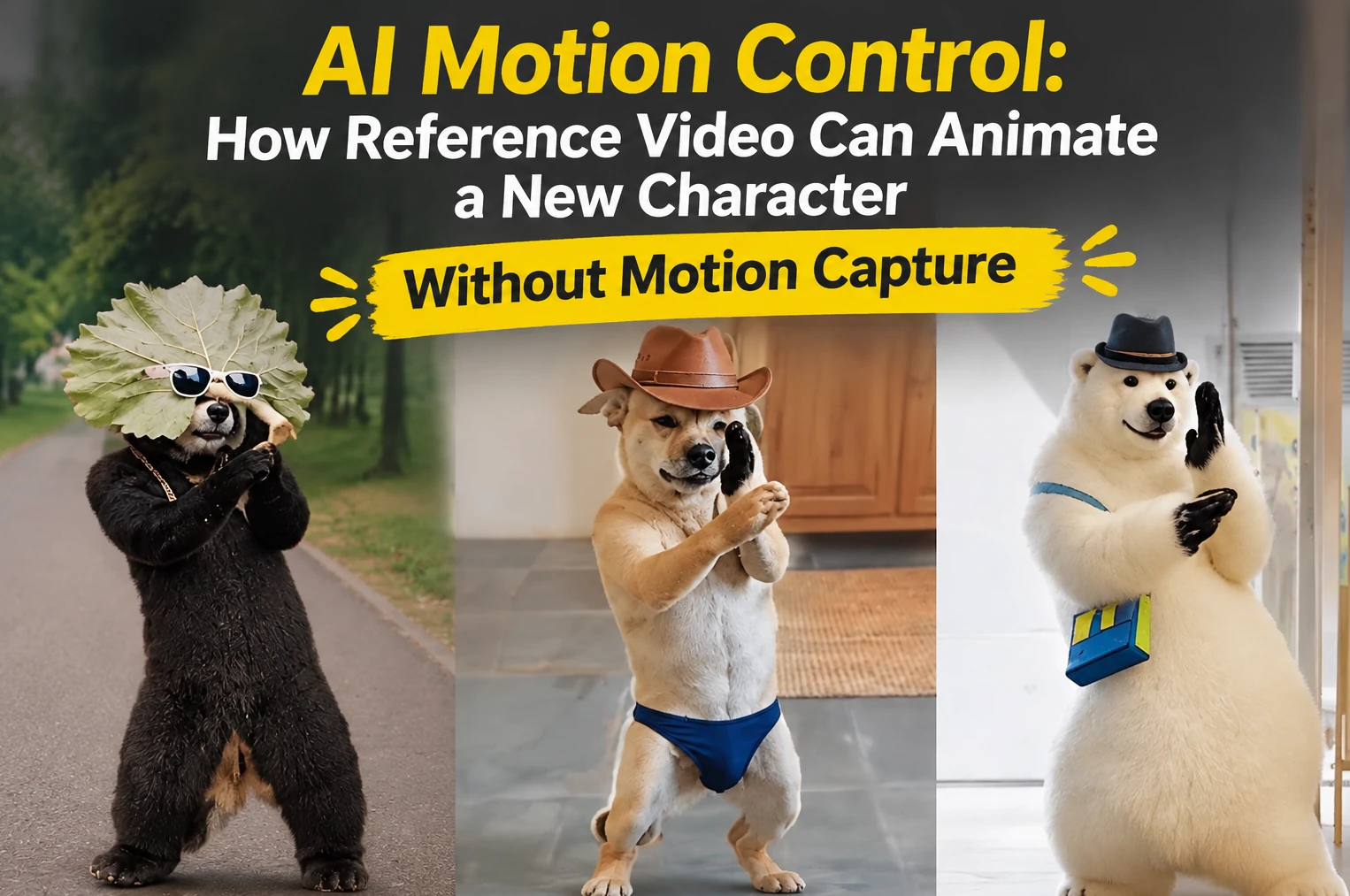
Most character animation starts with a lot of small decisions about poses and timing. Even a wave needs convincing movement between the first and last frame. However, AI motion control is changing this process. A reference video supplies a performance to follow, while an image supplies the character for the new clip.
Why Use AI Motion Control for Character Animation
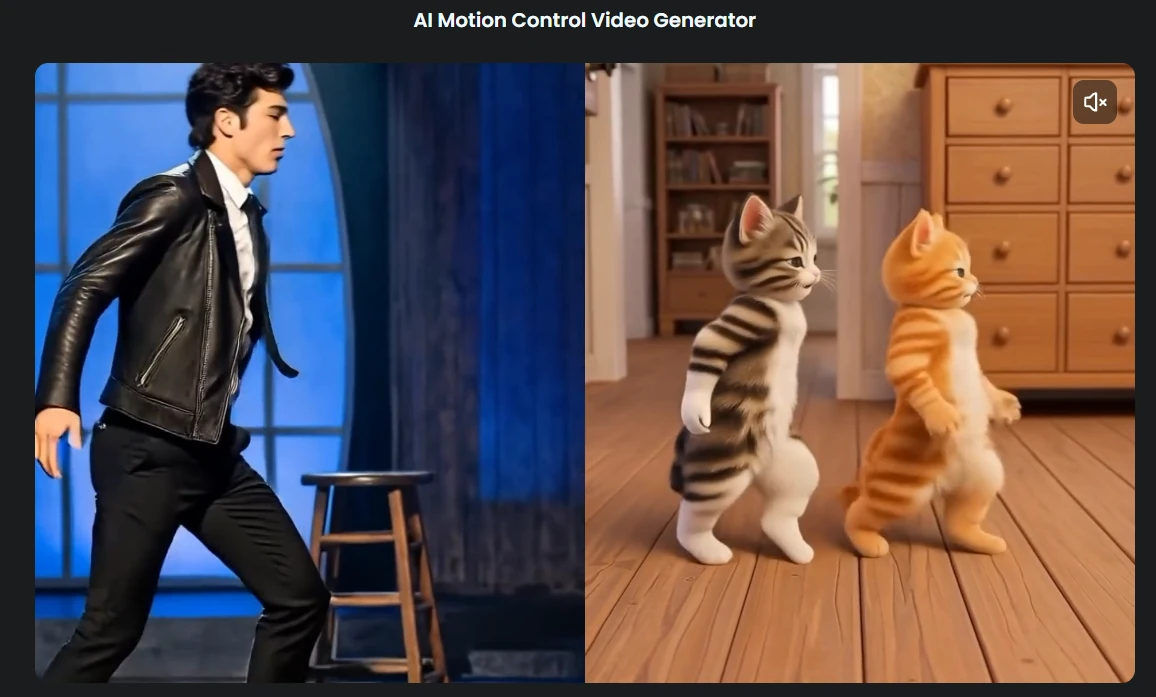
Consider a short clip of somebody turning towards the camera and waving. Instead of describing each part of that action in a prompt, you give the system the clip. The aim is to bring the timing and gestures from the original performance into another character.
There is a research history behind this idea. The Everybody Dance Now paper presented at ICCV 2019 showed motion transfer by extracting poses from a source performer and using them to generate video of a target person. This illustrates one approach to motion transfer; it does not establish how AIReel’s system works.
For someone making a short video, the appeal is practical:
- Less manual posing. An existing performance provides the starting point for the movement.
- A smaller recording setup. Suitable footage may remove the need for a dedicated capture session.
- Easier experiments. Try a performance with different character designs before investing in a longer project.
- More expressive still artwork. A drawing or avatar becomes the subject of a moving scene.
- Reusable references. A clip you have permission to adapt can guide several creative variations.
How much time that saves depends on the result. A quick render still needs work if the character’s hands, clothes or face change between frames.
AIReel offers an AI Motion Control feature using a character image and a reference video. Its product page describes transferring actions and poses without a traditional motion capture setup. These are the provider’s stated capabilities. The examples supplied with this article are not an independent test of its performance.
How to Create Character Animations Without a Capture Session
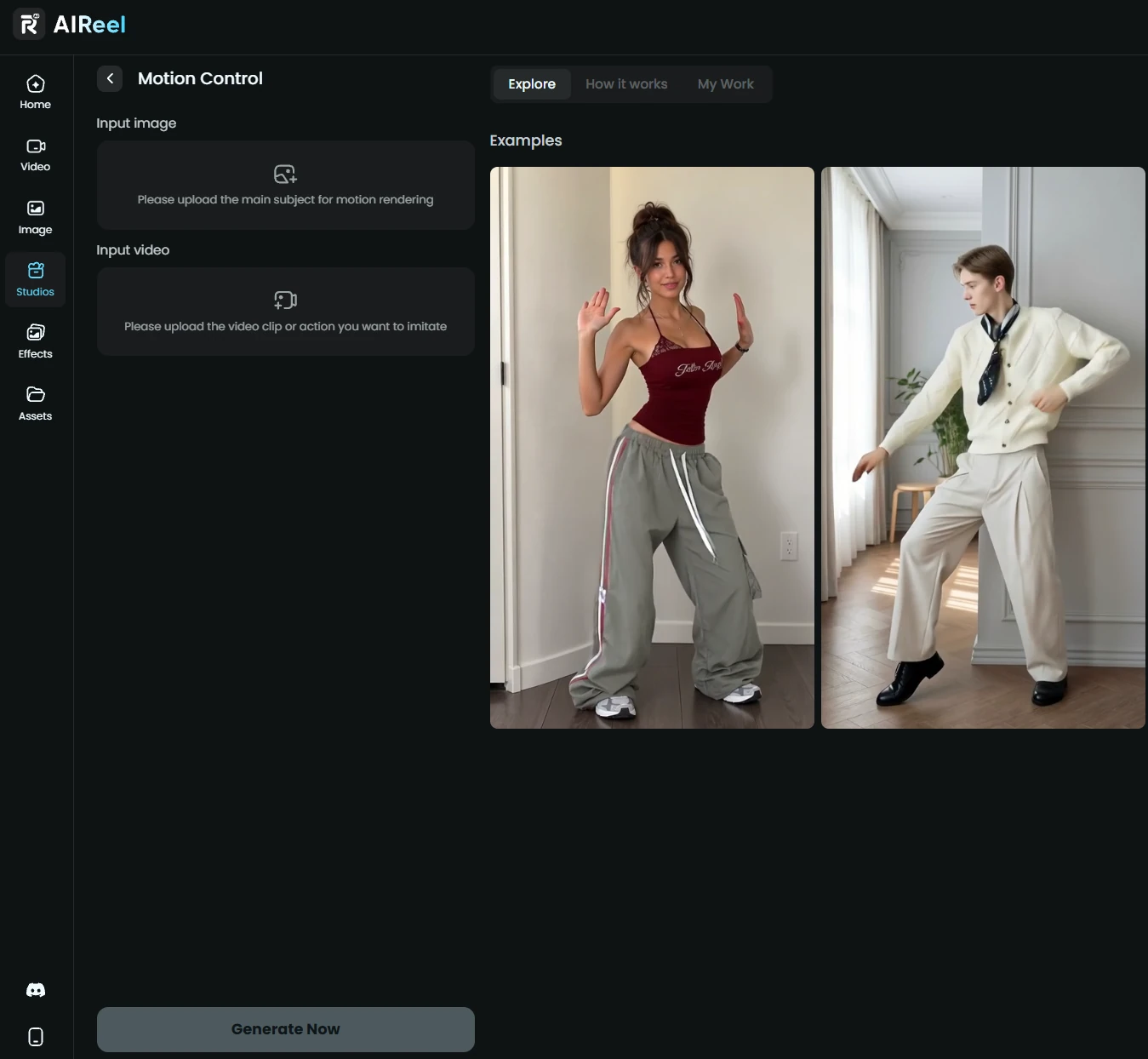
AIReel describes its Motion Control workflow as transferring body direction, gestures, pose changes and pacing from reference footage to a target character. The published process has three stages.
Step 1: Add the Character and Motion Reference
Upload the character image and select a video with the movement you want. Choose an image where the relevant body parts are easy to see. For a wave, an arm hidden behind the character’s back gives the system less useful information.
Limit the reference to one clear action for your first attempt. A steady shot of someone taking a few steps is easier to assess than a crowded scene with rapid edits. Use footage you recorded yourself or have permission to adapt.
Step 2: Sync the Character to the Reference Motion
The reference supplies the sequence of movements and their timing. Use the available controls to apply that performance to your target image. Consider whether the character’s proportions suit the action: very short legs may look awkward when following a tall person’s stride.
AIReel describes this stage as transferring body direction, gestures and pacing. Consistent appearance is still something you need to check in the finished clip. Do not assume every frame will retain the character exactly.
Step 3: Generate and Review the Video
Generate the clip and watch it before downloading or sharing it. Play it at normal speed to judge the performance, then pause around turns, crossed arms and moments when a hand passes in front of the face. An error can be easy to miss when everything moves quickly.
If the result strays from the character design, try a clearer image or a simpler reference. Before starting a longer project, check the account’s current upload, duration and export limits.
5 Practical Use Cases for AI Motion Transfer
1. Dance Videos and Social Media Challenges
A dance reference gives a character rhythm and a sequence of movements. Brief routines can work as social clips, but watch the feet and changes of direction. The dance loses its effect if the character appears to slide across the floor.
2. Animated Storytelling and Character Videos
A wave, a tentative step or a startled reaction can say something about a character without an elaborate scene. Establish one readable gesture at a time. Several good short shots are easier to combine into a story than one ambitious take with mistakes throughout.
3. Virtual Avatars and Digital Hosts
An avatar introduction can include body language as well as a portrait. A greeting or a demonstration gives the character a reason to move. Full-body movement and convincing speech are separate requirements, so work out what additional audio or lip-sync editing the scene needs.
4. Marketing and Promotional Videos
A mascot can perform the same greeting in several settings, giving a team different versions of a short promotion to consider. Inspect small logos and lettering carefully. Where exact reproduction matters, adding those elements during editing may be more reliable than asking the generated scene to reproduce them.
5. Game and 3D Character Concepts
Reference-based video can help a game team explore how a character might walk, turn or react. An artist and a designer get a moving concept to discuss before developing the animation further.
Look closely at what the tool actually produces. A generated video is not automatically an editable skeleton or a set of animation curves. Adobe’s explanation of motion capture describes recording movement data and mapping it to a 3D model. It also includes video-based markerless capture among the methods available. Avoiding a suit alone does not put a workflow outside motion capture.
AIReel’s published steps describe a video output. If your game engine needs movement data, confirm that the chosen service can export it before treating the clip as a production asset.
How to Make AI Character Animation Look More Consistent
Start with a clear image and an action that suits it. Then assess the animation against what you need it to do. A playful social post may tolerate an odd frame that would be distracting in a close-up introduction.
- Keep the relevant body parts visible. Do not crop out the feet if the action depends on walking or dancing.
- Choose a readable reference. Good lighting and a simple background help you see the intended movement.
- Match the action to the design. Large differences in proportions can make a borrowed performance look unnatural.
- Test a simple movement first. Try a wave or a slow turn before fast spins and overlapping limbs.
- Check the character’s identity. Inspect the face, hair and clothing throughout the clip, including the final frames.
- Watch the transitions. Look for sliding feet, sudden changes in limb length and details that disappear when the body turns.
For illustrated characters, CriticalHit’s guide to choosing an anime AI video generator discusses character consistency, reference images and motion stability. These are useful things to assess alongside the action itself.
Finish one short scene first. Review it carefully, make any corrections and decide whether the result fits your project. That gives you a better basis for planning a longer video than judging a tool by its demonstration clips alone.
Last Updated: November 16, 2026