If your kid is interested in 3D printing, 2026 is a great time to get them their first 3D printer. Modern printers are safer, easier to set up, and far less frustrating than they used to be. But with so many options out there, picking the right one can be confusing. In this guide, we’ll answer your questions about 3D printers for kids and recommend the best 3D printers for beginners.
What is a good starter 3D printer for kids?
A good entry-level 3D printer for kids has no technical barriers. It should be easy to use and set up without a steep learning curve.
What 3D printers are good for beginners?
The best 3D printers for beginners come with intuitive features such as plug-and-play setup, auto bed leveling/calibration, user-friendly software, touchscreen control, and stable print performance. These features allow the kids to start printing from day one.
Ease of use and safety matter most for beginner kids
When looking for the best 3D printer for kids, both safety and ease of use are equally important. Enclosed designs protect children from the hot elements of the printer. The built-in filters catch the fumes and improve the air quality during printing. PLA is the best material for kids; it’s non-toxic, doesn’t release strong fumes, and prints reliably at lower temperatures. Simple workflows like one-click printing let kids focus on designing rather than technicalities.
Best beginner 3D printers for kids in 2026
Not all 3D printers available on the market are suitable for children. The best 3D printers for kids are the printers from Bambu Lab. One for younger kids and one for teens.
Best beginner 3D printer for kids aged 8–12: Bambu Lab P1S/P2S
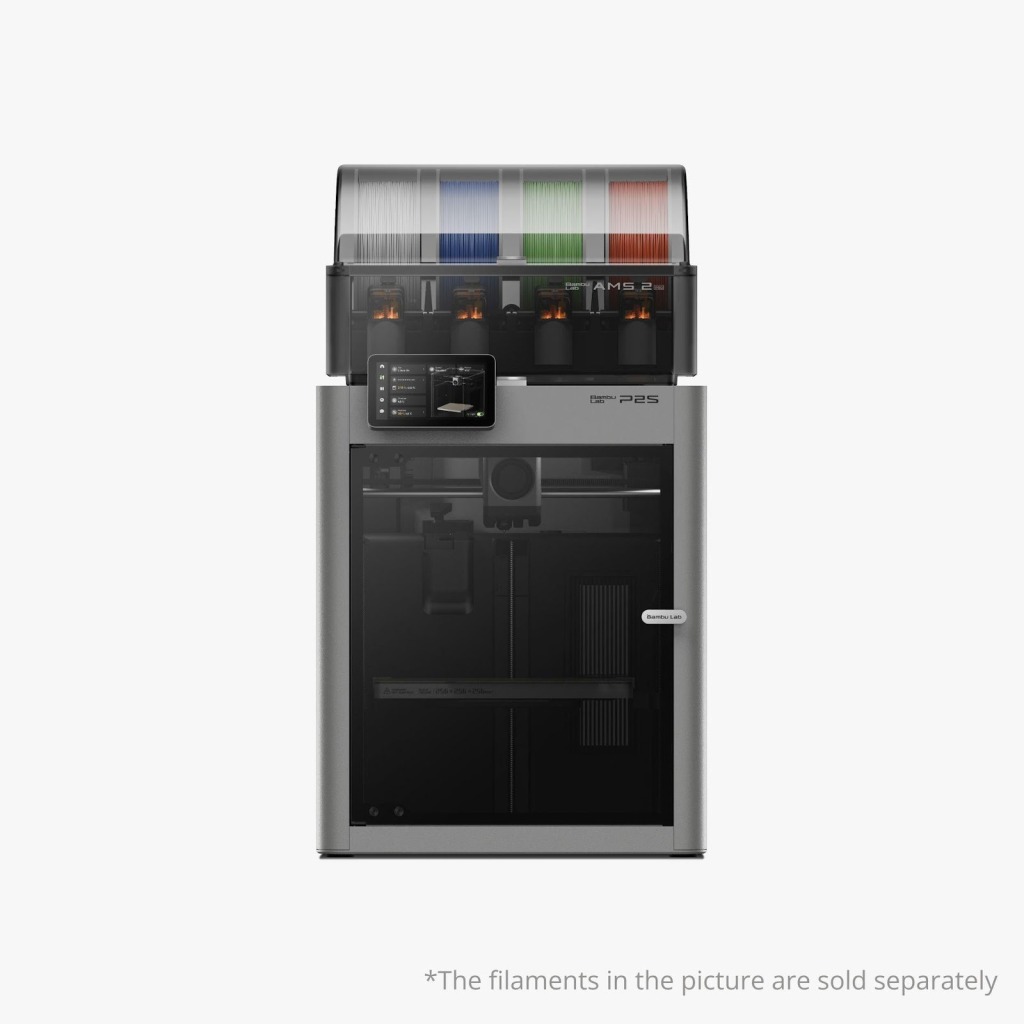
When it comes to younger children, safety and reliability are non-negotiable. Both the P1S ($399) and P2S ($549) have a fully enclosed design. This keeps the hot components away from the curious hands of children. This alone makes Bambu Lab’s P1S and P2S 3D printers a much safer option for 8-12-year-old kids with adult supervision.
These printers have features that appeal specifically to young children:
- Enclosed printer design with air filter systems: protects children from hot components while providing filtered air, creating improved air quality during printing
- Consistent printer performance: The controlled temperature in the enclosure ensures consistent prints.
- High-resolution printing: CoreXY Frameworks at 500-600 mm/s produce prints with greater detail, reducing print completion times from 5 hours to 2-3 hours.
- Color print capabilities: P1S gives you 16 colors. P2S gives you 20 colors and adds 3D capabilities.
- Capability to print advanced materials: P2S has carbon fiber capabilities, enabling functional parts as children’s skills improve.
- Auto Calibration: The printer can do all the technical adjustments automatically once you have loaded your design to be printed.
P1S provides an excellent value for families needing an entry-level printer. Whereas the P2S supports all of the basic functions, it can print using more advanced materials, such as carbon fiber composites. This makes it perfect for long-term usability.
Best beginner 3D printer for teens aged 13+: Bambu Lab A1/A1 mini
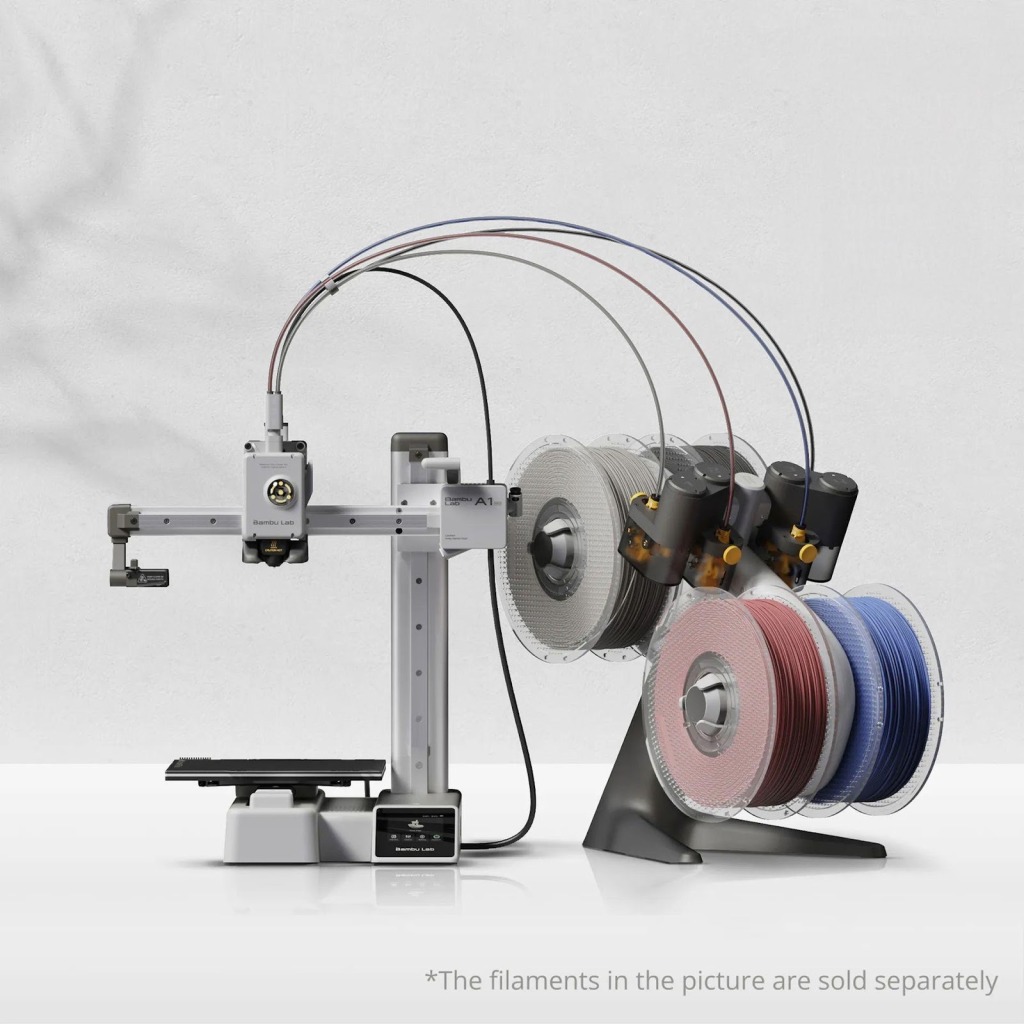
The Bambu Lab A1 ($299) and A1 mini ($219) are suitable for teens as the best starter 3D printer option. These are easy to use and can be easily placed in a bedroom or study area.
Here are some features that make these printers the best for teens:
- Beginner-friendly setup: Requires only 20 minutes from unboxing to first print; can be done independently by teens without parental assistance
- Educational use optimized: Offers auto-calibration and simple software that allows teens to concentrate on learning design without worrying about printer operation
- Multi-color printing: Optional AMS lite enables four-color printing for educational purposes that require multiple materials.
- Compact for home use: A1 mini (180×180×180 mm) is ideal for desk placement. A1 (256×256×256 mm) accommodates larger projects without taking up too much space.
- Silent operation: 48 dB silent mode enables printing at night for homework assignments without disturbing the household
- Remote monitoring: A camera is integrated into the printer, allowing teens to monitor the status of their prints from their mobile devices between classes or activities.
- Fast print speed: 500 mm/s print speed keeps teens interested and busy, rather than waiting days for complex prints to complete.
Are 3D printers easy to learn?
Yes, especially beginner-friendly models like Bambu Lab. In recent years, the learning curve for 3D printers has dropped significantly. Children can go from opening the box to printing their first object within an hour. Many of the software programs use presets that work for typical types of prints, so a user of the best 3D printer for beginners doesn’t need to figure out hundreds of settings.
What can kids use a 3D printer for?
STEM Projects
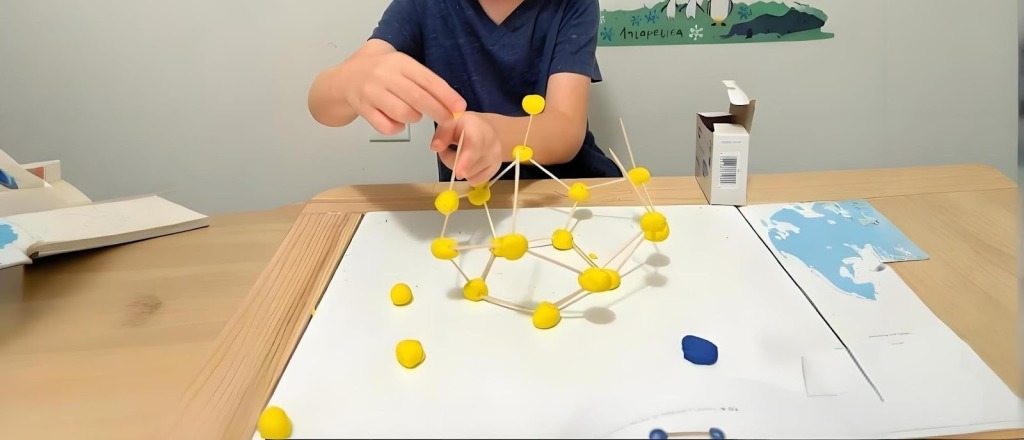
With a 3D printer, kids can transform STEM concepts into physical objects. They can hold a 3D object and see all the shapes they’ve learned about, rather than just reading text describing them.
Creative Toys and Personal Projects
Kids have so much fun creating their custom toys. Those can be anything from simple to very complex. Designing all of these custom items allows children to experience ownership of their toys in a way that store-bought toys cannot provide.
Making Gifts for Friends & Family
When kids create gifts instead of just purchasing them, they feel pride in the gift they have created for their friend or family member. They can create a personalized keychain with a friend’s name printed on other custom gifts. These handmade gifts have more meaning to kids because of the time and effort they put into the creation.
Conclusion
The best 3D printer for your child will depend on their age, as well as how they intend to use it. For younger kids (ages 8 to 12), printers such as the enclosed P1S or P2S offer safety features. This allows parents to be at ease when their children use a kid 3D printer. Older kids (ages 13+) will appreciate the independence and flexibility offered by either the A1 or A1 mini.
Last Updated: March 4, 2026