
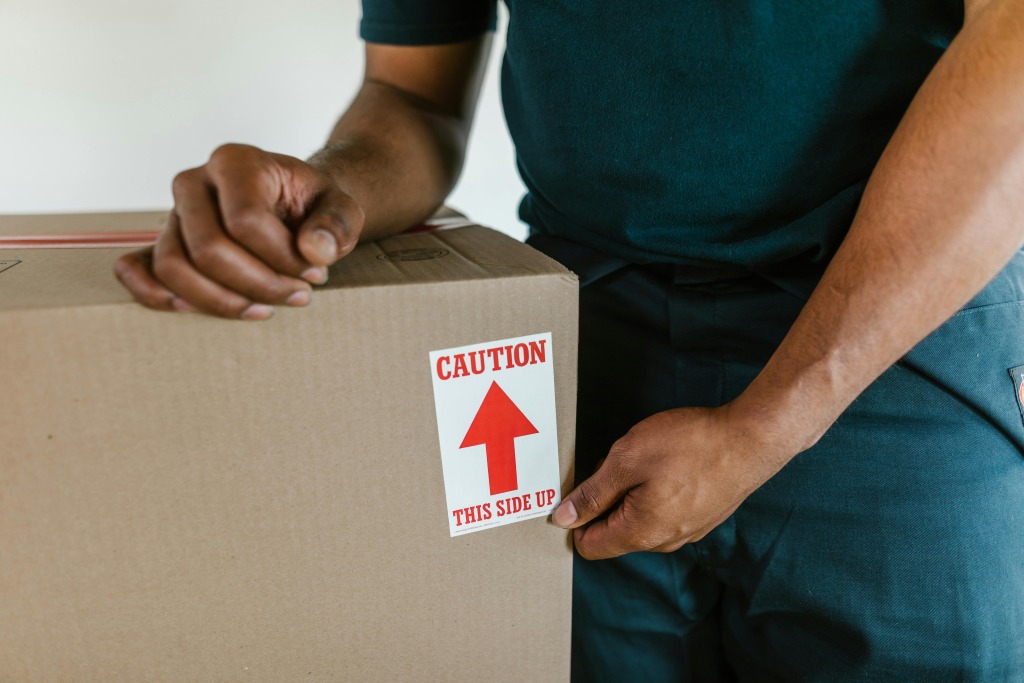
If you’re moving home, it is essential that you pack key elements of your gaming setup in a protective manner. After all, gaming setups are expensive, sensitive, and packed with small parts that do not handle bumps well.
Knowing exactly what to pack (and how) can enable you to ensure your items remain safe. It will allow you to save a lot of stress, too!
PC Tower
Your gaming PC tower needs special attention. Backing up your data is the first step before packing any computer. Losing saved games, work files, or recordings during a move is avoidable if you prepare early.
Shut the PC down at least 24 hours before packing so all components are cool and dry. Remove the graphics card if possible and place it in an anti-static bag, then wrap it in bubble wrap. Heavy components can shift during transport, and separating them reduces strain on the motherboard.
Here is a quick checklist before sealing the box:
- Remove and wrap the GPU separately
- Secure loose cables inside the case
- Fill empty space in the box to prevent movement
Use the original box if you still have it. If not, choose a snug electronics box and add foam or tightly packed paper so nothing shifts inside.
Monitors
Monitors are one of the most fragile parts of a gaming setup. Even a small crack can make the entire screen unusable. You should line the box with at least two inches of padding before placing the monitor inside.
Remove the stand and wrap it separately. Cover the screen with a soft microfiber cloth before adding bubble wrap, and avoid pressing directly on the display.
Always pack monitors upright, never flat. Label the box clearly as fragile and make sure nothing heavy is stacked on top during loading.
Gaming Consoles and Accessories
Consoles may look sturdy, but internal components can shift if not packed correctly. Remove discs from drives and wrap consoles in anti-static material or bubble wrap. Pack controllers, headsets, and charging docks separately in smaller boxes with padding between each item.
Place cords in labeled zip-top bags and keep them in the same box as their matching device. Clear labeling saves hours when it is time to reconnect everything.
Gaming Desk and Peripherals
Desks, chairs, and mounted accessories are often overlooked during a move. Disassemble your gaming desk carefully and keep screws in a labeled bag taped to the underside of the desk or stored in a small container.
Mechanical keyboards and gaming mice should be wrapped individually. Place keyboards in their original boxes if possible, or wrap them in bubble wrap and pack them snugly in a small box.
Do not forget smaller items like:
- Mouse pads
- External hard drives
- Streaming microphones
External drives should be wrapped and cushioned since they hold valuable files. Moving industry consumer guides continue to rank electronics among the most commonly damaged household items during relocation.
Storage for Your Gaming Setup
Does your move include a gap between homes or renovations? If so, storing your equipment safely becomes just as important as packing it well.
Using local storage, such as household and business storage solutions in Welshpool, will give you secure and professionally-managed space for items like PC towers, monitors, consoles, and full desk setups.
Protecting Your Gaming Setup From Start to Finish
Taking the time to pack each component correctly reduces the risk of costly damage. Gaming PCs, monitors, consoles, and accessories all require padding, separation, and secure boxing so nothing shifts in transit.
Has this article been helpful? If so, be sure to check out some of our other posts!
Last Updated: May 7, 2026