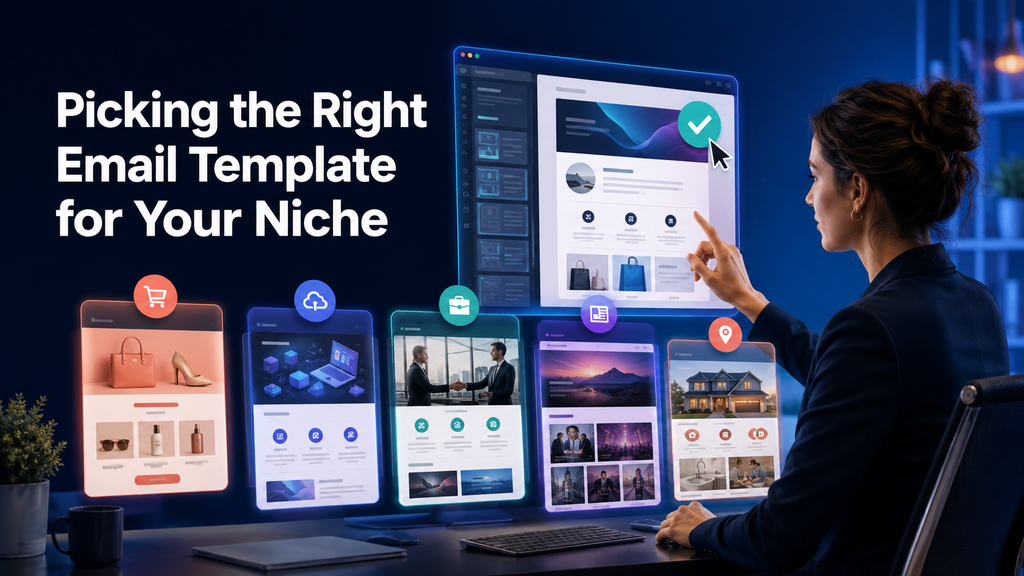
A pre-built template can save you hours — but only when it actually fits your business. What converts for an online store won’t work for a SaaS product, and a B2B email needs a completely different layout than something coming from a media outlet. If you want to skip building from scratch, an easy visual html email builder already organizes templates by industry and email type, so you can adapt one instead of starting from zero. Below is how to evaluate a template against your specific niche, based on concrete criteria rather than generic tips.
Below are some steps to assist in evaluating a pre-designed template against your niche. Each step is based upon concrete evaluation criteria and not general suggestions.
There is no such thing as a “universal” template, because every industry utilizes unique audience behaviors and conversion drivers:
- E-commerce — product is prominent, quick path to check-out, image heavy designs
- SaaS — features and value are emphasized, more text, CTAs lead to demos/trials
- B2B — professional tone, limited decorations, data/credibility focused
- Media/publishing — content dense, many links, digest style format
- Local services/consulting — personal/human tone, simple structures
Because the performance of a template in one industry may not translate well into another, it generally doesn’t relate to design. The issue lies in whether the block structure of the template aligns with what the audience expects to see.
What to look at when selecting a template
| Criteria | Impact on | Why important to your niche |
|---|---|---|
| Block structure | Order of information seen | E-commerce places product first; B2B leads with offer/data |
| Text to image ratio | Reading speed and comprehension | Media tends to be heavier on text; e-commerce relies on visuals |
| CTA placement and style | Conversion rate | SaaS directs users to demos; retail directs user to “buy now” |
| Tone and personalization | Level of trust users have in you | Services require a more personalized approach; B2B remains formal |
| Device responsiveness | Open/CT rates | Retail/media experience disproportionate amounts of mobile traffic |
Step-by-step process
Step one: identify the type of email you are sending
You do not choose a template based on “brand”, but instead based on the specific type of email you want to send:
- Welcome email
- Transactional (confirmation, receipt)
- Promotional
- Digest/newsletter
- Trigger-based (abandoned cart, win-back)
Each type has its own structural rules. A welcome email and promotional email should never be structured similarly.
Step two: determine your audience behavior patterns
- Does your audience tend to view emails primarily on desktop or mobile?
- Are you sending enough text to keep them reading or do they prefer something more visually oriented?
- How formal do you believe your audience wants you to be — B2B/legal or casual D2C brand?
Step three: map the template blocks to the expected structural requirements of your niche
| Industry/niche | Blocks that must be included in the template |
| E-commerce | Product images (large images), discount/price block, clearly stated buy CTA |
| SaaS | Benefits block (not feature dump), social proof, demo/trial CTA |
| B2B | Offer headline supported by data or case studies, minimal decorations |
| Media | Modular design layout with multiple stories/compact story previews |
| Local services | Personal greeting, contact information, simple structure |
Step four: ensure the template renders correctly across all email clients
While a template may look perfect there could be issues rendering correctly across various email clients:
- test it in Outlook (desktop/web client) — still the most likely to break your layout
- check dark mode rendering in Apple Mail & Gmail
- confirm it’s responsive — more than 50 percent of traffic originates from mobile devices today
Step five: customize the template and do not launch it as is
At minimum, adjust:
- logo and branding colors
- fonts matching (or closest possible match) your brand guidelines
- tone of voice matching your brand guidelines
- footer with actual contact info & unsubscribe link
Common mistakes to avoid
- Choosing on looks alone: a gorgeous promo template may not be suitable for transactional emails which should be simple & predictable.
- Ignoring mobile: templates that aren’t responsive will quietly kill significant amounts of opens.
- Copy competitor’s layout: what works for their audience won’t automatically work for yours.
- Skip customizing: templates which are not adapted for your brand will harm both recognition & trust.
- Forget goal: lead magnet template meant to grow your list should structurally differ from newsletter template meant to retain existing customers.
Building your own block library vs. utilizing a ready-made template catalog
| Criterion | Custom built block library | Ready-made template catalogue |
| Time to launch | Takes time to build | Can start right away |
| Flexibility for your niche | Full — exactly built for tasks | Moderate — needs careful selection & adaptation |
| Maintenance | Ongoing design resources required | Maintained & updated by provider |
| Best fit for | High volume senders | Teams testing niche-specific ideas quickly |
If you wish to find the right format for your niche without building everything from scratch, a reasonable starting point would be a ready-made catalog of templates organized by industry & email type — you just adapts the one that fits your brand.
Pre-Launch Checklist
- define the type of email being sent (welcome/promo/etc.)
- does the template reflect your audience behavior (text/image/formality)?
- does the block structure support the goal of the email?
- will it render properly in Outlook and in dark mode?
- does it provide a responsive mobile version?
- has it been customized with logo/colors/fonts/tone-of-voice?
- are there real contact details and an unsubscribe link in the footer?
Selecting a template for your niche relies heavily upon matching the block structure of the template to how your specific audience behaves & what they expect. Ecommerce/SaaS/B2B/media operate on fundamentally different logics — wherever the CTA goes to how much text vs imagery. Prior to launching any campaigns you need to identify the type of email being sent & determine the habits of your audience & verify that the selected template will render properly across all email clients.
Last Updated: August 25, 2026