When creating a scalable multiplayer gaming server, first understand what causes the slowdown when additional players access the server. As the server grows busier, it can fail to update simulations, and therefore cause delayed responses or create rubber-banding effects; although the player’s own graphics frame rate remains consistent. In this article, we’ll cover server architecture, load distribution, network flow, and monitoring so you can easily increase the capacity of your server without having to guess which upgrade will help.
Understanding the Basics of Multi-Player Game Server Architecture
Types of Game Server Architectures
There are several types of game server structures. Dedicated servers (picture Fort Knox for data) process the server-side game logic. Listen servers (picture your buddy hosting movie night) run on one player’s computer alongside their game client. Both have their advantages and disadvantages. Depending on your type of game, the choice will impact the overall gaming experience.
Client-Server vs. Peer-to-Peer Models
With regards to models of game server design, you have two options. The client-server model (picture the wise old wizard controlling all data) allows all interaction between players to occur on a central server. The peer-to-peer model (picture a neighborhood potluck) allows players to interact directly with each other. While it spreads the workload among players, it also creates opportunities for arguments regarding who is experiencing buffering.
Key Components of Game Servers
Each game server has several critical components operating simultaneously like clockwork. The server operates the logic and physics of gameplay, while a dedicated server typically allows client-side rendering. There is also a database for storing player stats (and you will want backups of those records after that epic victory). Last but certainly not least, is the networking component which ensures that all players remain connected and aren’t simply yelling into thin air.
Identifying Performance Bottlenecks in Game Servers
Common Performance Issues in Multiplayer Games
The best laid plans can go awry. Lag spikes, frame drops, and server crashes are some common enemies in the world of multiplayer games. Many of these performance-related problems originate from server congestion, bad network conditions, or let’s face reality-your cousin’s crummy internet connection. Be aware of these potential pitfalls to ensure that your players have fun. Low graphics frame rates also need client-side investigation.
Tools for Diagnosing Server Performance
If you’d like to develop expertise in troubleshooting like a professional, you’ll require the proper diagnostic tools. From server-monitoring products that measure latency and CPU usage to network analyzers that detect packet loss quicker than a dog chases a squirrel, these tools assist in identifying problem areas. Once you locate the bottleneck area, you can take action prior to players tossing their controllers through the wall.
Analyzing Player Load Impact
Understanding how many players your server can handle is essential (because no one likes being that server that crashes during an epic boss fight). During peak hours monitor player counts and assess how performance deteriorates as more players sign-on. This information will enable you to develop a smooth and continuous gaming experience for your players-so everyone can attempt to save the day.
Strategies for Load Balancing and Distribution
Understanding Load Balancing Techniques
Match allocators assign new user sessions to available servers. Round robin and least connections load balancing algorithms serve simple use cases; however, given the nature of game sessions, you’ll also want to implement capacity limits and geographic region selection. Except in instances where your game explicitly enables session migration, keep existing matches running on their originally-assigned servers. Sending each packet to a different machine would destroy session context.
Geographic Distribution of Game Servers
You don’t necessarily have to confine your gaming experience to one region (just like a recipe with spices adds flavor, geography provides flavor in gaming). Geographic distribution of game servers decreases distance between players and servers thus decreasing latency; creating a much more immersive gaming experience.
Dynamic Scaling vs. Static Scaling
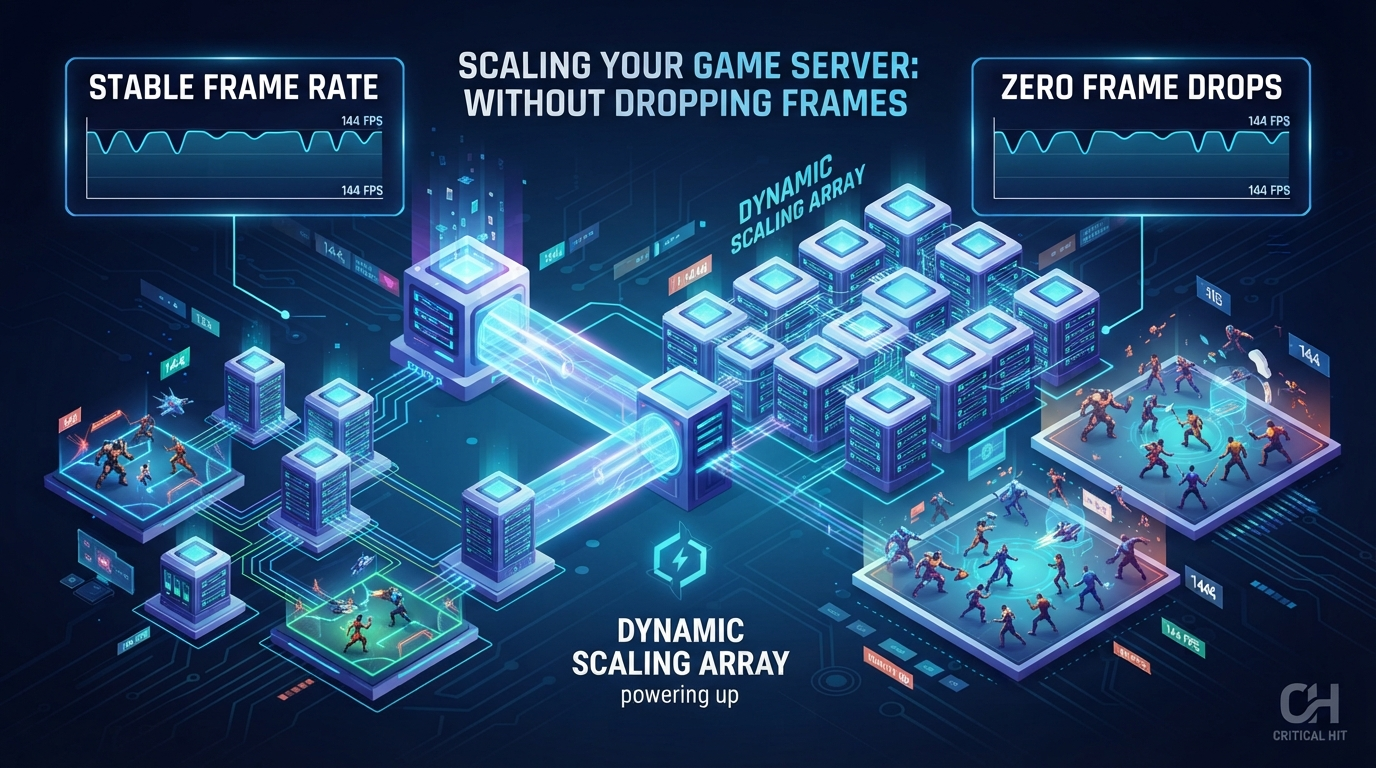
When scaling your game server-you’ve got two choices: dynamically scaling resources based on player load (like a magic wardrobe expanding as needed); or statically scaling your servers ahead of time regardless of traffic volume (more similar to your buddy’s closet-always too full). While dynamic scaling tends to be more efficient; static scaling is easier to maintain. Determine what suits your game’s growth better.
Optimizing Network Latency and Bandwidth
Reducing Latency for Real-Time Gameplay
Measure player latency to select regions. Measure how the game responds when packets arrive late or irregularly. Prediction, interpolation and lag compensation can improve responsiveness-but do not eliminate network delay. Limit each method appropriately based on your game requirements. Likewise-determine if a shot or move was valid based on reasonable delays.
Bandwidth Optimization Techniques
Only send each player the state they need. Prioritize the most critical updates. Avoid sending redundant data. Compress data to minimize transmission size; however, compressing data adds processing overhead-so evaluate your compression benefits against added processing costs. Game patches should be delivered via a separate download channel from real-time gameplay streams.
Using CDNs for Asset Distribution
A CDN can deliver your game assets and patches from locations closer to your players. This assists in minimizing download transfer times and keeps large files away from your server. It will not solve an overloaded simulation or a live gameplay packet latency issue.
Implementing Scalability Solutions: Vertical vs. Horizontal Scaling
Pros and Cons of Vertical Scaling
Vertical scaling (aka “scale-up”) is essentially upgrading from a compact car to a luxury SUV. You increase your server’s capability with faster processors, more RAM or larger SSDs. If you are looking to quickly deploy configurable infrastructure with NVMe storage to start your scaling journey, options like VPSserver.com provide high-performance environments that scale on demand. Although the biggest benefit is ease of implementation; there is ultimately a limitation on how much you can vertically scale. Also-the worst case scenario is that if your server fails; you won’t have anywhere else to turn-it’s similar to placing all of your eggs in a single basket-if that basket shakes; your eggs could break. Extra cores only help work that can use them; faster storage will not fix a saturated game thread.
Advantages of Horizontal Scaling
Horizontal scaling involves adding more servers to distribute the load so you can run more matches or distribute services. Even though existing matches on a functioning machine can continue even if another server experiences failure; players on the failed server will likely still lose their session. To recover from such failures; players must either reconnect or receive state recovery support. As mentioned earlier; horizontally scaling does not automatically distribute a busy match across multiple machines.
When to Use Each Scaling Method
When choosing between vertical and horizontal scaling; consider the following: use vertical scaling if you’re relatively new and prefer a straightforward solution that offers immediate improvement in terms of performance. Vertical scaling is great for boosting performance with minimal effort required for managing servers. If you anticipate significant growth and plan for rapid expansion like zombies coming out-of-nowhere; consider horizontal scaling as it affords greater flexibility and scalability while maintaining consistency throughout.
Monitoring and Managing Server Performance in Real-Time
Establishing Key Performance Indicators (KPIs)
Monitor CPU usage, memory consumption, player latency/packet loss; along with server tick duration and active sessions. Total CPU usage may hide a saturated game thread, so measure individual core usage as well. Compare slower ticks to events occurring during those ticks; comparing averages alone may hide spikes noticed by players.
Tools for Real-Time Monitoring
You’ve got numerous tools for real-time monitoring at your disposal! Open source treasures such as Prometheus; or commercial solutions like Datadog-whether low-cost or premium-everyone has something that meets his/her needs and style. These tools offer dashboards that are colorful enough to brighten up your day (at least your server room)-that enable you to view all KPIs at once. Having real-time insight means that you can immediately identify whether your server functions similarly to a sports car or rust bucket bike.
Automating Alerts and Responses
Configure automatic alerts for sustained tick degradation; rising latency; memory usage pressure and failed session assignments. Maintain reserve ready capacity if initializing a server takes considerable time. Auto-scaling should allocate extra capacity for new matches before the entire fleet becomes occupied; scale-down should let active sessions finish before removing their servers.
Testing and Stress-Testing Your Game Server
Importance of Load Testing
Load testing is equivalent to hosting a party on your server and determining how many guests you can accommodate until the music stops. Before attempting to host a major event (game launch); load testing is vital because you wish to determine your server’s limitations beforehand. By simulating multiple users, you’ll be able to recognize performance bottlenecks within your server and modify accordingly; thus preventing catastrophic failure when actual users begin accessing your server.
Creating Effective Test Scenarios
Developing ideal test scenarios is an art form itself. You’ll need to simulate all sorts of player behaviors-from passive users to hyperactive clickers. Develop both peak usage tests (large numbers of players suddenly appear) and long-term sustained load tests (constant number of players). The variety in testing scenarios will illustrate how your server reacts under varying circumstances; enabling you to devise strategies as if developing tactics in preparation for warfare.
Analyzing Test Results and Making Adjustments
Following the conclusion of testing; study! Evaluate results to identify performance bottlenecks & areas of weakness. Did your server become overwhelmed at 100 users? Does it get cranky when faced with excessive latency? Utilize these findings to inform changes-you may decide to scale resources; optimize code; or perhaps revisit your server architecture entirely!
Best Practices for Maintaining Frame Rate Consistency
Optimizing Game Code for Performance
Profile the server simulation and look for expensive physics, AI, replication and repeated calculations. Track the time each simulation tick takes, including slow ticks under load. Client frame time needs separate profiling: a server upgrade cannot fix a graphics bottleneck on a player’s machine.
Utilizing Efficient Asset Management
Keep textures, models and sounds organized and optimized for the client. Texture atlasing may reduce draw calls in suitable rendering setups, but verify the result with a graphics profiler. On a headless dedicated server, focus instead on the data and collision resources the simulation actually needs.
Regular Maintenance and Updates
Schedule updates for server software and game code, and test compatibility before players connect to a new build. Drain active matches before taking servers down where possible, and tell players about planned downtime. After each change, repeat the same load scenario and compare the results. Scaling works best when you can show which bottleneck changed and how much capacity you gained.
Last Updated: October 21, 2026