
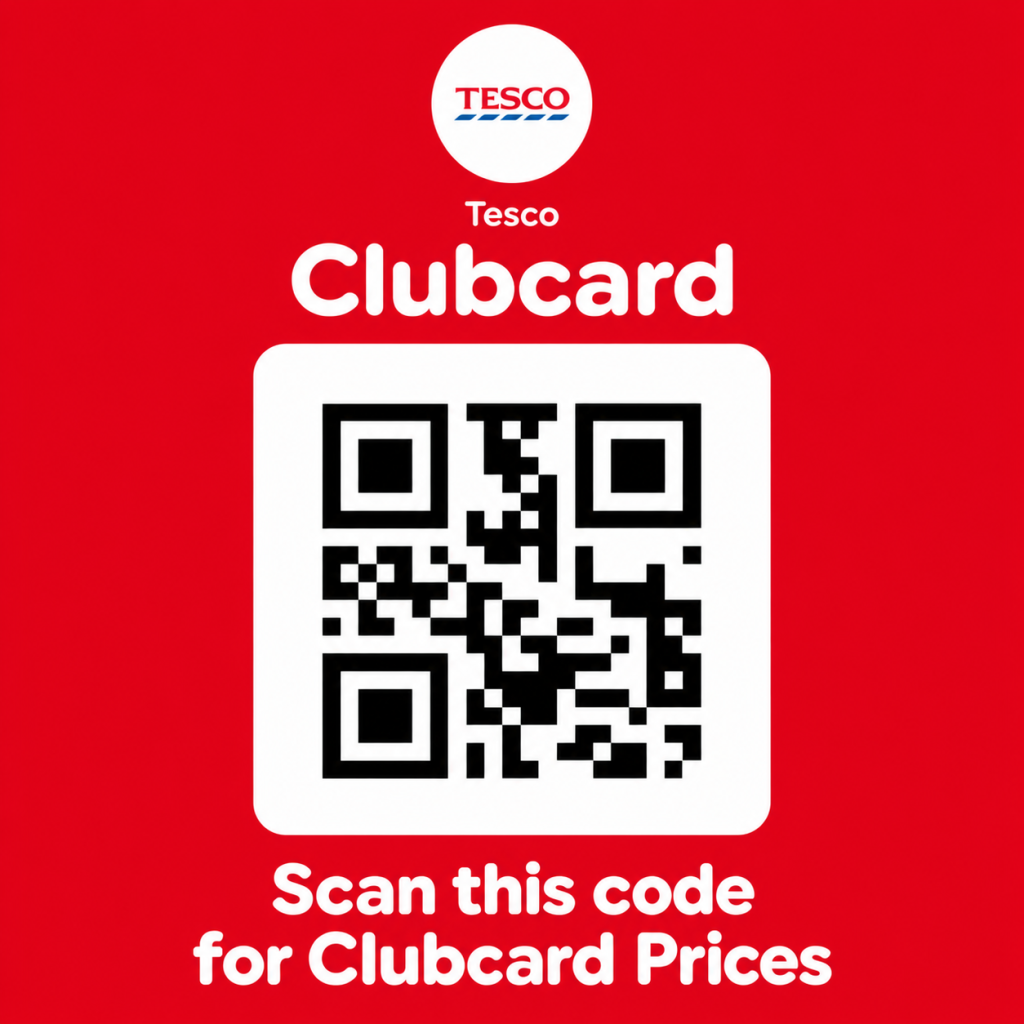
You’ve reached the Tesco checkout and left your Clubcard at home. The shelf labels showed member prices, so you start looking for a Tesco Clubcard QR code on your phone. Perhaps a friend has offered to send theirs. Perhaps you’ve found a picture online and want to know whether it can do the same job.
There are two questions here: can the scanner read that image, and are you allowed to use the card it belongs to? They need separate answers. If you already have a Clubcard, you can usually avoid the borrowing question altogether by opening your own card in the Tesco app.
Can you use someone else’s Tesco Clubcard?
Tesco’s membership terms say a Clubcard cannot be copied or transferred and is for the registered member. There is a household exception for key fobs: someone living at the same registered address may use one.
That is quite a specific exception. It does not give everyone in the family permission to pass around screenshots, and a friend’s agreement to lend their card does not override it. Being related to the member is not enough; the key-fob rule concerns where you live.
A public QR image also tells you very little about the card behind it. It might be an old screenshot. The card might have been replaced. Even a code that a scanner can read is not proof that Tesco permits you to use it.
What is a Tesco Clubcard QR code?
The square code identifies the digital card presented at the till. You do not need the plastic version if you can show your own digital card. Tesco’s Clubcard Prices instructions explain that members can scan the app or tap a plastic card or key fob to get eligible offers.
People often call this a Tesco Clubcard barcode, although the square QR pattern and the separate barcode option look different. The app provides a barcode fallback when the QR code will not scan.
Remember to check the offer itself. A Clubcard does not reduce the price of every item, and two similar packs on a shelf need not be included in the same promotion. Look at the product, pack size and offer dates before putting it in your basket.
Forgot your card? Open your own code in the app
If you already use the Tesco app, this is the place to start. Tesco’s digital-card help page gives these steps:
- Sign in to your Tesco account.
- Open the Clubcard section.
- Select the card marked “Tap to scan”.
- Show the code at the checkout.
Setting up the app for the first time? Deal with any identity checks before getting to the payment screen. Downloading an app takes you only part of the way; you still need access to your card.
How to show a Clubcard QR code clearly
Give the scanner the whole square, including the white space around it. A tiny preview, a stretched picture or an image with its edges cut off is a poor starting point. Open the image at full size and hold the phone still.
You can also try moving the screen slightly to reduce reflections. Tesco recommends adjusting your phone’s brightness if necessary. If nothing happens, do not keep waving the same image around: try the barcode option or ask a member of staff.
A screenshot is a saved picture. It cannot tell you what has happened to the account since the picture was taken. That matters when you’re relying on something saved a while ago or sent by somebody else.
Tesco Clubcard barcode: where to find it
With your digital card open in the Tesco app, select “Code not scanning”. Tesco says this displays the barcode you can try instead. Its next fallback, if the barcode also fails, is entering your Clubcard number at the checkout.
The supplied image for this guide shows a square QR code, rather than that separate barcode. For your own barcode, use the app. You do not need to turn a photograph into a new code.
Before you pay, check whether the eligible member prices have appeared. If you cannot find the relevant till option, ask for help while the transaction is still open.
No Clubcard yet? You can join for free
Tesco offers free Clubcard registration. Choose the option to join when you create your account. Already a member? Choose the option to link your existing Clubcard instead.
According to Tesco’s guide to getting Clubcard Prices, you can start using the card straight away by scanning the app in-store. There is no need to wait for a plastic card before using the digital version.
Finish the registration and check that you can open your card before relying on it for a purchase. The app icon on your home screen is not the same thing as a card ready to scan.
Can you use Clubcard without a phone signal?
Tesco says you can access a card saved to Apple Wallet or Google Wallet without a mobile or Wi-Fi signal. To add it, open your account in the Tesco app, go to Clubcard management and choose Add Clubcard.
Do this ahead of your next visit, then open the saved card once to check it is there. A poor signal at the till is an awkward time to start setting things up. A wallet can help with connectivity; it cannot help if your phone battery is flat.
Already paid without scanning your card?
Keep your receipt. Tesco’s missed-discount guidance gives members 14 days to return with their Clubcard and receipt for missed points and eligible Clubcard Prices refunds on UK store purchases. The terms require the receipt to belong to the corresponding member and limit claims to two receipts a day.
Put the receipt somewhere you will find it. Searching for a code after the event does not replace the evidence of what you bought.
Tesco Clubcard QR code questions
Has the supplied code been tested at a Tesco checkout?
No. We have not tested its acceptance or checked the status of the linked card. The screenshot alone cannot establish either of those things.
Is the QR code a money-off voucher?
No. Identifying your Clubcard and redeeming a voucher are different actions. Follow the instructions and conditions attached to the voucher you want to use.
Can I use a relative’s key fob?
The household exception applies to someone living at the same registered address. A family relationship on its own does not qualify.
Do ordinary Clubcard Prices require Clubcard Plus?
No. Clubcard membership is free. Check the conditions of the particular offer you are buying.
This guide covers Tesco UK. Information checked on 5 October 2026; the linked Tesco pages contain its current instructions and terms.
Last Updated: October 6, 2026